A standing desk for video editing lives or dies on the plan, not the desk. List your gear first, then size the desktop, height range, and cable routing around the way you actually cut.
Video editing is one of the heaviest, most cable-dense setups you can put on a sit-stand desk. Two or three monitors, a color grading panel, reference speakers, a drive dock, and a keyboard add up fast, in both weight and desk depth. This guide walks through planning a video editing standing desk setup around real gear, using the CreatorOne and CyberOne Modular ranges as the reference frames.

1. Start With the Gear List, Not the Desk
Before you pick a desk, write down everything that has to live on it. A typical editing rig:
- Primary display(s): one 27–32″ reference monitor, or dual 27″ panels.
- Color grading panel (a control surface). Shallow, but it eats front-edge depth.
- Studio monitors (speakers) on stands or isolation pads.
- Drive dock / RAID and a USB hub for footage.
- Keyboard, and sometimes a tablet or jog wheel.
Add the real weights. Two 27″ monitors plus a panel and speakers can push 60–90 lb before you count the desk load itself. Compare the complete supported load with the dynamic rating of the exact desk configuration, including any desktop and accessory allowances specified by the manufacturer.
2. Pick a Desktop That Fits the Workflow
Depth is the usual bottleneck. A standard Main top on the CreatorOne range runs about 31.5″ deep, which fits dual monitors plus a front-row panel if you keep the keyboard close. If you want the grading panel in its own lane with the keyboard behind it, step up to an L-shape with 63″ of return width.
- CreatorOne Main: ~31.5″ deep, dynamic load 315 lb (static 630 lb).
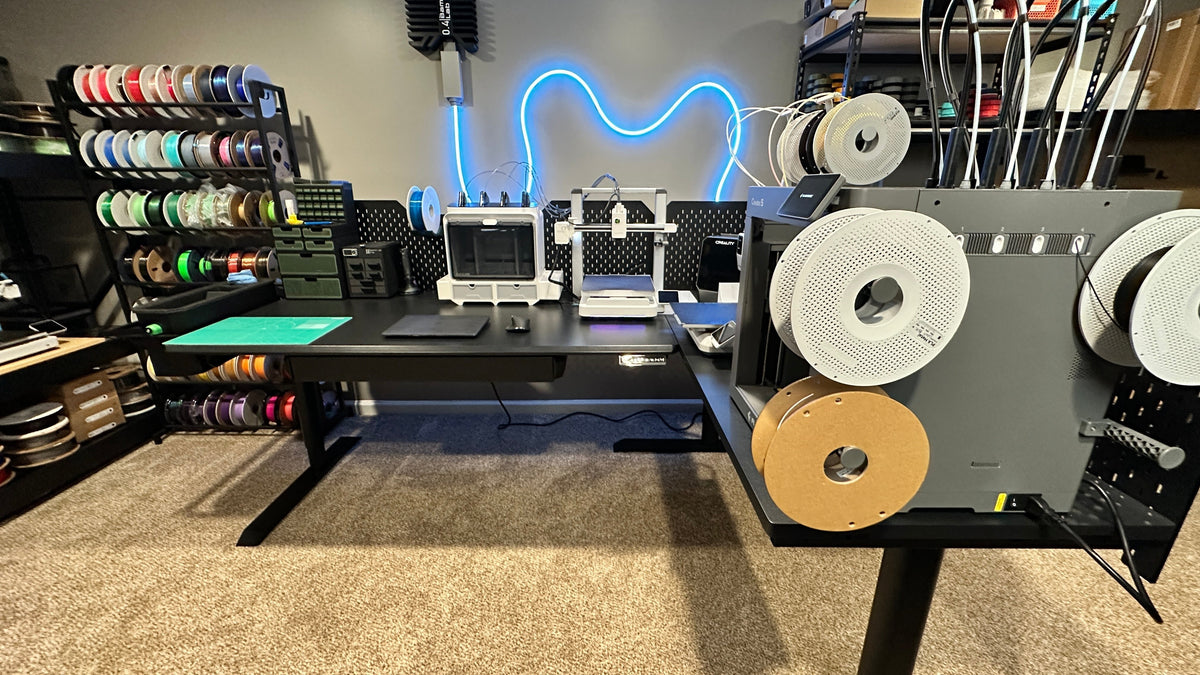
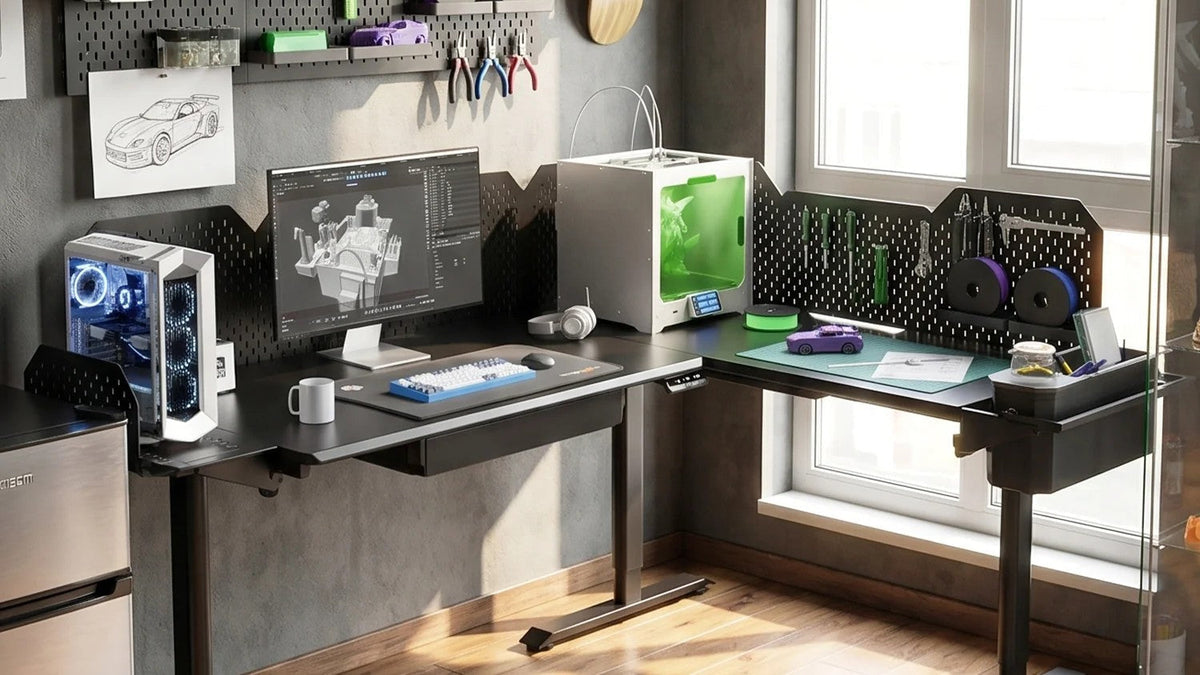
- CyberOne Modular L-shape: 86.6 × 63.0″ overall footprint, 365 lb dynamic load.
Note the two numbers are different rating types. CreatorOne lists static and dynamic separately, CyberOne lists a single max. Do not compare them head to head; match each to your real gear weight. Stability at full raise matters more for editing than for typing, because a wobble shows up in every cut.
3. Height Range for Sit-Stand Editing
Editing is often a sit-heavy job with standing breaks, so the low end matters as much as the high end. The CreatorOne range travels 30.3–47.2″; CyberOne Modular travels 30.3–44.9″. Measure your own seated and standing working positions and check both against the selected range; overall body height alone does not establish fit.
4. Route the Cables Before You Mount
An editing desk carries more cables than almost any other setup: monitor feeds, speaker wires, drive power, hub uplinks. Route them once, before the gear goes down:
- Run monitor and hub cables down the leg channel or through a cable tray under the desk.
- Keep audio cables away from power where possible to avoid hum.
- On CyberOne Modular, the multi-port charging station ($89) consolidates phone, tablet, and accessory power into one drop instead of four wall warts.
5. Where the Smart Modules Earn Their Keep
Long edits are where the CyberOne smart modules pay off:
- Multi-port charging station: $89. One hub for phone, tablet, and reader.
- Hot/cold cup coaster: $99. Keeps water warm through a 3-hour render without leaving the desk.
- RGB ambient light: $79. Requires the metal pegboard ($149) first; bias lighting that eases eye strain on late sessions.
These are CyberOne Modular modules; the pegboard is the mounting base for the light. Prices and specs come from the livtab.com configurator. Treat any detail the configurator does not state as “to be confirmed.”
6. Two-Zone Option for Editing + Color
If grading is a big part of your work, an L-shape gives you two zones on one frame: the long side holds the editing monitors and keyboard, the return holds the grading panel and a reference display. You raise and lower the whole thing together, so your color work and your assembly work stay at the same height.

FAQ
Can you edit video standing up comfortably?
Yes, for breaks and light cuts. Most editors sit for heavy grading and stand for assembly and reviewing. A desk with a low seated minimum (around 30″) and a standing maximum near 47″ covers both.
How deep should a desk be for video editing?
About 30″ deep fits dual monitors plus a front panel. If you want the panel in its own row with the keyboard behind it, move to an L-shape with a 63″ return.
How much weight can a standing desk hold for editing gear?
A dual-monitor plus panel plus speaker rig often lands 60–90 lb. CreatorOne rates the Main frame at 315 lb dynamic; CyberOne Modular has dynamic load ratings of 300–475 lb, depending on the layout. Compare dynamic ratings with dynamic ratings for the selected layouts, and account for the complete supported load.
Ready to build the editing desk?
Compare the CreatorOne frames and the CyberOne Modular configurator
See the full module list in the accessories collection.
Keep reading:
What Makes a Standing Desk Stable? 4 Things That Matter