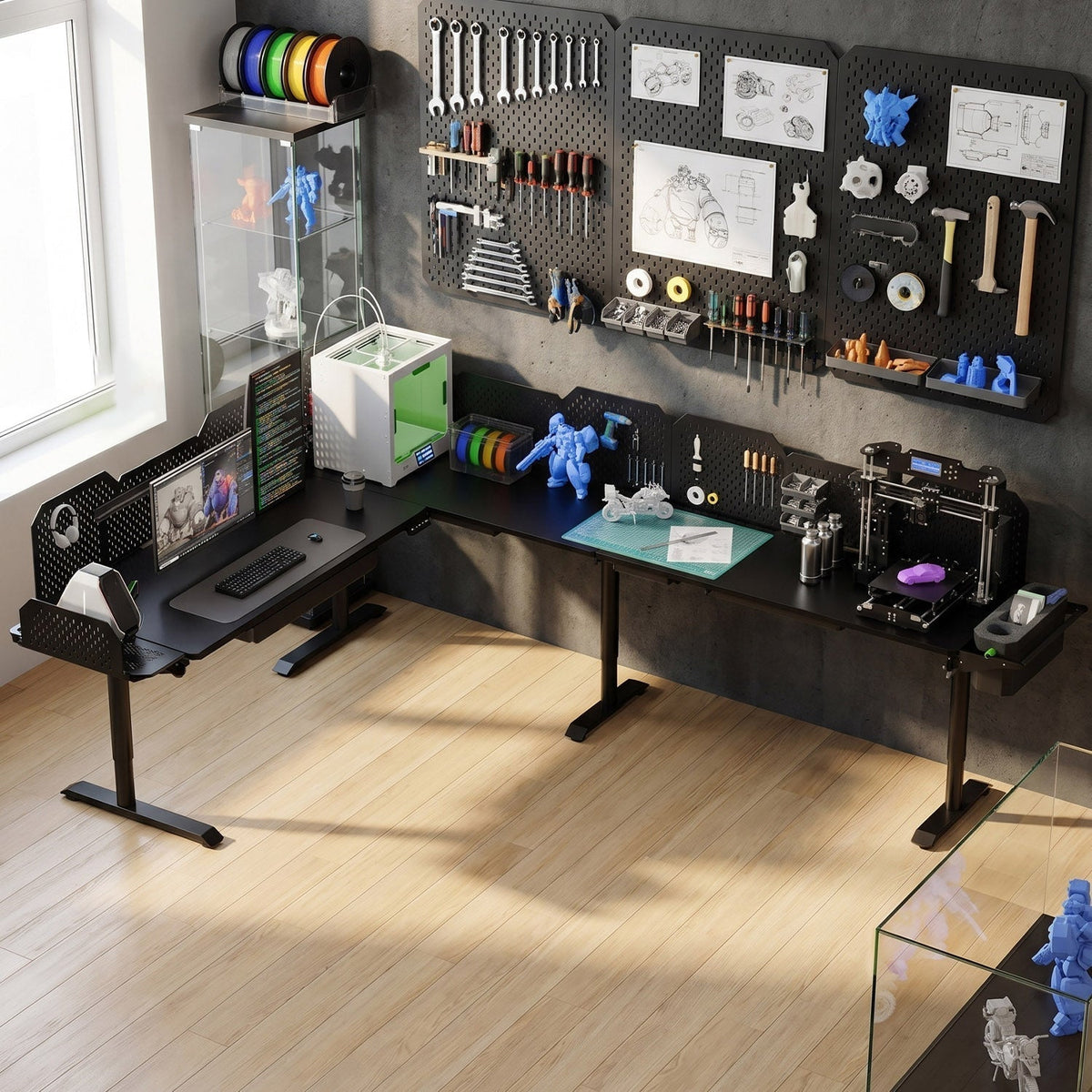
Most people shop for a standing desk by checking height range, motor count, and load capacity. Those numbers matter, but one spec gets overlooked until the monitor arm is mounted: depth. If you use a monitor arm, a microphone boom, or a dual-screen creator setup, the front-to-back distance of your desktop decides whether the gear actually fits. This guide breaks down how much standing desk depth you need and why a 31.5-inch top, like the CreatorOne Modular Standing Desk, leaves breathing room that shallower desks do not.
Why Depth Matters for a Monitor Arm
A monitor arm does not eliminate the need for depth. It only moves the screen off the desktop surface. The arm still needs space behind the keyboard for its clamp or grommet base, and the monitor still needs room to sit a healthy distance from your eyes.
On a shallow desk, the arm ends up fully extended just to place the monitor at arm’s length. That is a problem for two reasons. First, a fully extended arm has less leverage margin and magnifies any desk vibration. Second, you lose the space you thought you freed because the arm mechanism, clamp, and cables now sit where your hands and accessories should go.

A rail-mounted monitor arm frees horizontal space, but depth decides how far back the screen can sit without crowding the work surface.
Standing Desk Depth Comparison
|
Desk depth
|
Single monitor arm
|
Dual monitor / creator setup
|
Notes
|
|
24"
|
Tight
|
Not recommended
|
Arm clamp + cable depth eats usable space; screen too close to user
|
|
27"
|
OK
|
Cramped
|
Barely enough for a small dual-screen arm; little room for accessories
|
|
30"
|
Comfortable
|
OK
|
Industry standard; works for most single or modest dual setups
|
|
31.5"
|
Comfortable
|
Comfortable
|
Extra 1.5" gives arm clamp, cable routing, and laptop stand room
|
CreatorOne 31.5” Depth: What the Extra Space Gives You
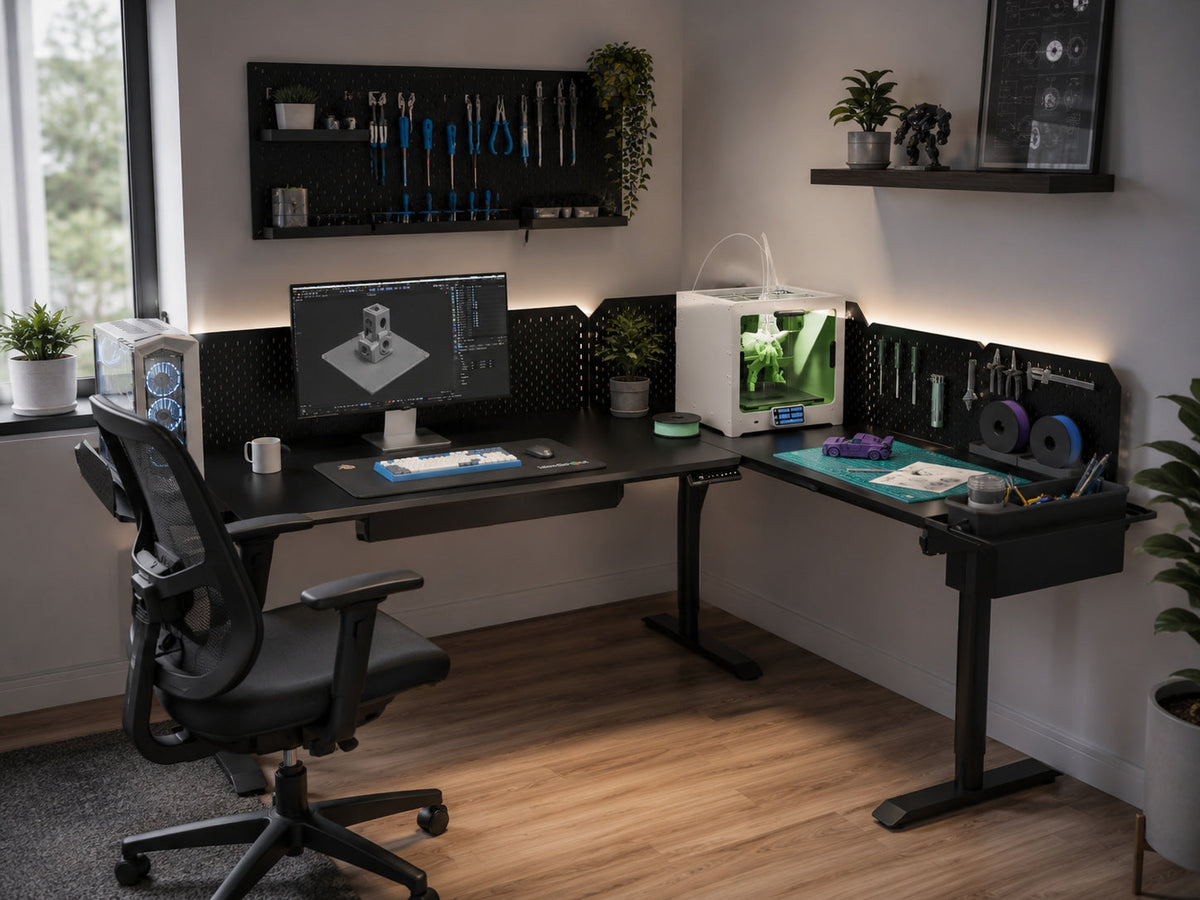
The CreatorOne Main top measures 63.0” long and 31.5” deep. Compared with the common 30-inch depth, that extra 1.5 inches is not dramatic on paper, but it changes the daily experience. The monitor arm clamp sits behind the keyboard without forcing the keyboard toward the front edge. A laptop stand, a desk pad, and a small speaker or mic base can all sit in front of the monitor without overlapping.
For the L-shaped, Extended L, and U-shaped variants, the primary work surface keeps that same 31.5-inch depth, so the same arm-and-accessory math applies whether you run one screen or a full creator bank.
Creator Setups Need Depth Too
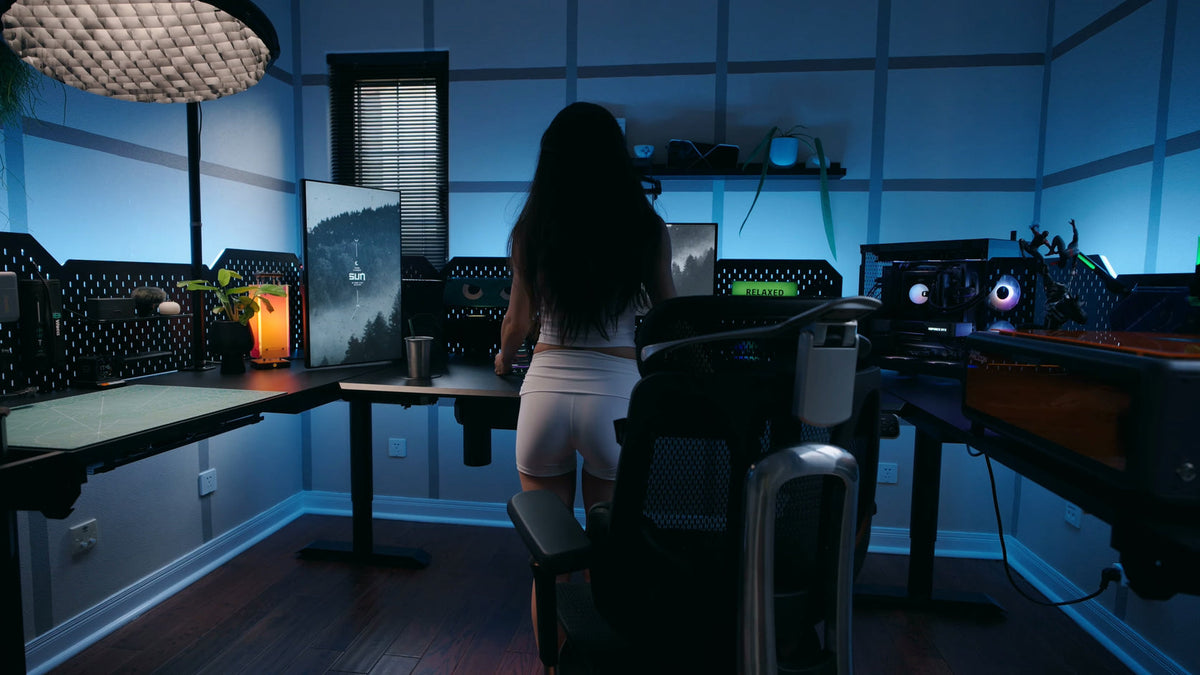
A creator desk is usually loaded with more than a monitor. You might have a 27-inch display, a laptop on a stand, a microphone arm, an LED light, and a stream deck or tablet. Each item takes up front-to-back real estate.
With a 24-inch or even 27-inch desk, the result is a front row of devices pushed right up to your chest. A 31.5-inch top lets you stage monitors toward the back third of the desk while keeping the front third clear for writing, sketching, or a MIDI controller. That is the difference between a setup that technically fits and one that actually works.

A creator workstation with multiple monitors, microphone arms, and tools shows how quickly front-to-back depth gets eaten.
Quick Sizing Check
Use this order-of-magnitude check before you buy. Measure the distance from the wall to where you want your keyboard: roughly 20 to 24 inches for comfortable viewing, plus 3 to 4 inches for the monitor thickness, plus 2 to 3 inches for the arm clamp and cable slack. That lands at about 28 to 30 inches as a practical minimum. Any accessories or a second monitor push the requirement toward 31 inches or more. The CreatorOne 31.5-inch depth sits right at that comfortable threshold.
Frequently Asked Questions
Is 24 inches deep enough for a monitor arm?
It works for one small monitor, but it is tight. A 24-inch deep desk leaves almost no room behind the keyboard for the monitor arm clamp and leaves the screen very close to your face. For a comfortable setup, 28 to 30 inches is the practical minimum.
How deep should a standing desk be for dual monitors?
Plan for at least 30 inches of depth. Two screens on monitor arms still need front-to-back room so the displays do not sit directly over your keyboard. A 31.5-inch deep top gives extra margin for cable routing, speakers, or a laptop stand.
What is the depth of the CreatorOne standing desk?
The CreatorOne Modular Standing Desk Main top is 63.0 inches long and 31.5 inches deep. The L-shaped, Extended L, and U-shaped variants keep a 31.5-inch work surface depth on the primary section.
Does a deeper desk reduce monitor wobble?
Depth itself does not stop wobble, but it lets you push the monitor farther back without clamping the arm at its maximum reach. A fully extended arm acts like a longer lever and magnifies any small desk movement.
Get the Right Depth From the Start
Height range and motor count get the headlines, but depth is what decides whether your monitor arm and creator gear fit comfortably. The CreatorOne Modular Standing Desk ships with a 31.5-inch deep top so you do not have to trade screen distance for usable workspace.
Keep reading: