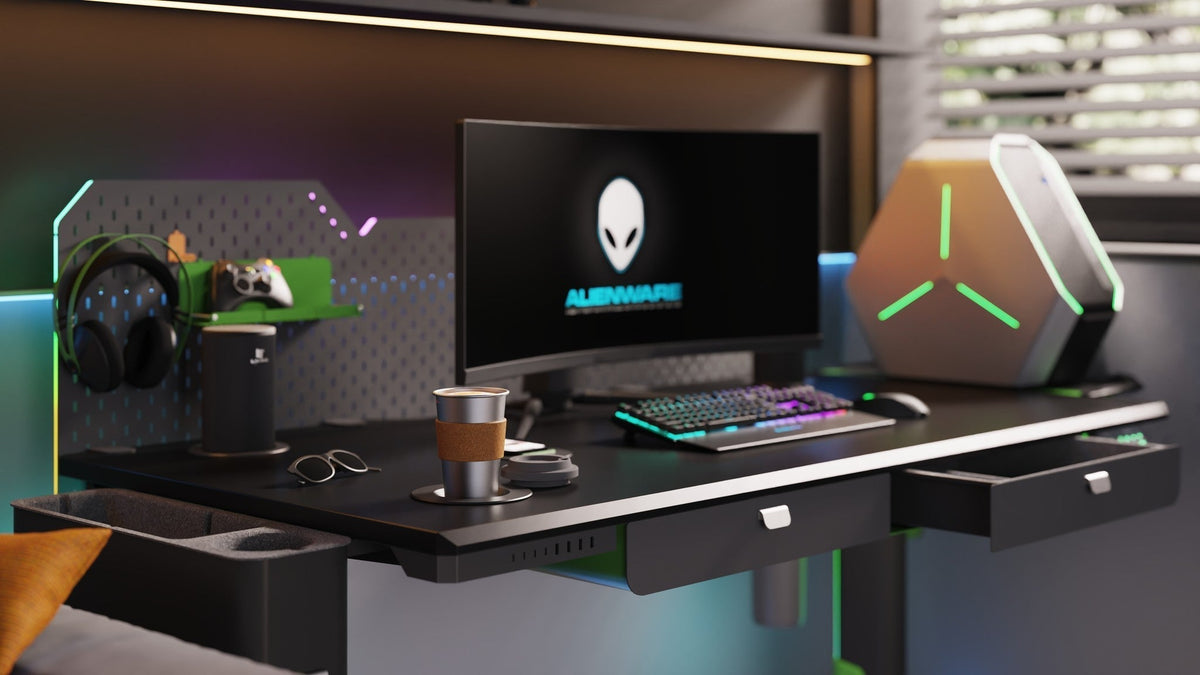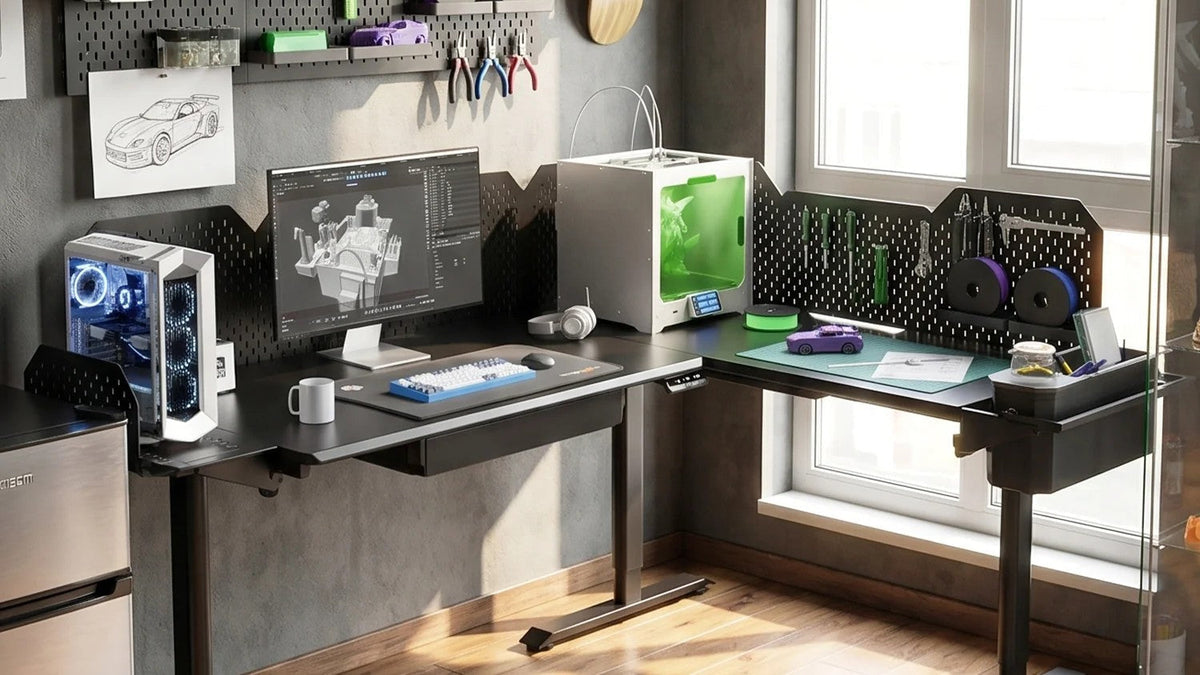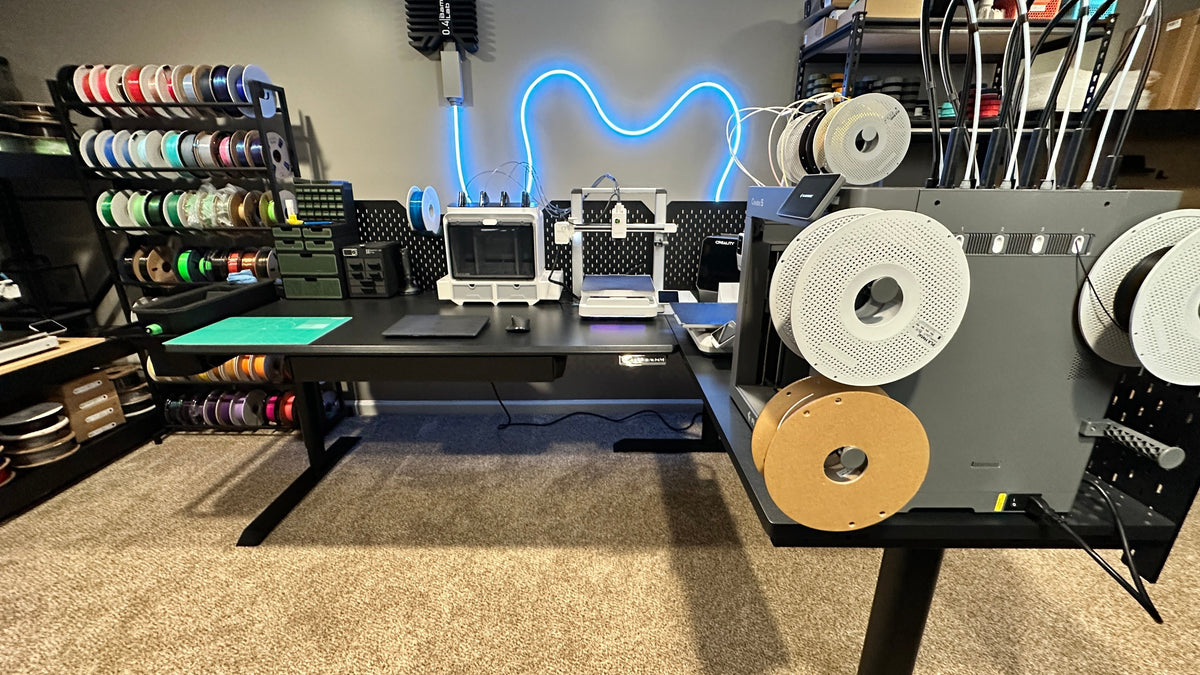
Yes. The desk handles the weight without trouble; what ruins prints is movement. A 3D printer turns every wobble into a layer shift.
A standing desk is a perfectly good home for a 3D printer, and the sit-stand range is handy for long prints: sit to watch the first layers, stand to check progress without bending over. The catch is vibration. Unlike office work, a 3D printer is sensitive to movement the entire time it runs. This guide plans a standing desk setup for 3D printing around real gear, using the CreatorOne and CyberOne Modular ranges as the reference frames.
1. Vibration Matters More Than Weight
Most people worry about whether the desk holds the printer's weight. A desktop printer (an Ender- or Creality-class machine) is usually 15–25 lb; even with an enclosure and a spool you are well under a 315 lb frame. Vibration is the problem: if the desk moves while a layer is printing, the nozzle and the part drift apart and you get layer shifting, diagonal stairs across the side of the print. Stability matters more than capacity here.
2. Pick a Frame That Stays Still
Because the printer runs for hours, frame stillness at full height matters more than for typing or even music. CreatorOne rates the Main frame at 315 lb dynamic (630 lb static); CyberOne Modular has dynamic load ratings of 300–475 lb, depending on the layout. Pick the frame whose rating clears your loaded printer, and check that it holds steady at full height. That is what keeps layers aligned.
- CreatorOne Main: dynamic 315 lb (static 630 lb).
- CyberOne Modular: Up to 475 lb
The two numbers are different rating types. Do not compare them head to head. Match each to your real load, and remember that a stiff, low-wobble frame matters more here than the peak number.
3. Size the Desktop for the Printer + Enclosure
Footprint decides the layout. A printer on a Main top (about 31.5″ deep on the CreatorOne range) fits with room behind it for a spool holder and a laptop. If you run an enclosure, or you want the printer and the slicing computer in separate lanes, step up to an L-shape with 63″ of return width so the enclosure is not crowding your keyboard.
- Standard Main top: ~31.5″ deep. Printer plus spool holder in one row.
- L-shape: 86.6 × 63.0″. Printer and enclosure on the return, slicing PC on the long side.
4. Height for Watching and Slicing
3D printing is a sit-and-stand job by nature. You sit for the careful first layers and for slicing; you stand to watch a tall print or swap a spool without hunching. The CreatorOne range travels 30.3–47.2″; CyberOne Modular travels 30.3–44.9″. Check whether the selected range includes your own working positions; avoid adjusting the desk while a print is running.
Set one preset at your seated watch height and one at your standing height, so the right height is ready when the print moves to a new phase.
5. Cable and Spool Routing
A printer adds a few cables that are easy to snag if you raise the desk:
- Route the printer power and USB down the leg channel or an under-desk tray, clear of the path the desktop travels.
- Mount the spool holder so the filament feed does not pull the printer as the spool empties.
- If you watch prints on a camera, keep that cable in the same channel. A dangling webcam wire is a print-killer.
- On CyberOne Modular, the multi-port charging station ($89) consolidates your phone and tablet (for remote print monitoring) into one drop.

6. Modules for Long Prints
- Multi-port charging station: $89. One hub for phone and tablet while you monitor the print.
- Hot/cold cup coaster: $99. Keeps water warm through a long overnight run without leaving the desk.
- RGB ambient light: $79. Requires the metal pegboard ($149) first; mood lighting, not a print tool.
These are CyberOne Modular modules; the pegboard is the mounting base for the light. Prices and specs come from the livtab.com configurator. Treat any detail the configurator does not state as “to be confirmed.”
7. Two-Zone Option for Printing + Slicing
If you slice and print at the same desk, an L-shape gives two zones on one frame: the return holds the printer and enclosure in a fixed, undisturbed spot; the long side holds the slicing computer and keyboard. You raise and lower the whole thing together, so the printer stays put while your working height changes, which is what you want for clean layers.
FAQ
Can you use a standing desk for 3D printing?
Yes. A sit-stand desk holds a desktop printer easily, and the height range lets you sit for first layers and stand to monitor tall prints. A stable frame matters more than a high weight rating.
Will a wobbly desk ruin 3D prints?
It can. Movement during a print causes layer shifting, where the part drifts sideways each layer. A stiff, low-wobble frame at full height is what keeps layers aligned, so stability beats peak load capacity here.
How much weight can a standing desk hold for a 3D printer?
A desktop printer is usually 15–25 lb; with an enclosure and spool you stay well under 315 lb dynamic. CreatorOne rates the Main frame at 315 lb dynamic (630 lb static); CyberOne Modular has dynamic load ratings of 300–475 lb, depending on the layout. Compare dynamic ratings with dynamic ratings for the selected layouts, and account for the complete supported load.
Ready to set up the print desk?
Compare the CreatorOne frames and the CyberOne Modular configurator
See the full module list in the accessories collection.
Keep reading:
Static vs. Dynamic Load Capacity: What Makes a Modular Sit Stand Desk Stable?