A standing desk is only ergonomic if both your sitting and standing heights land inside its travel range. Yet most buyers set the height by eye, then wonder why their neck aches by noon. Before you buy, or before you reprogram your presets, take two minutes to measure your actual fit. This guide shows you how.
Why the Height Range Matters More Than the Maximum
Spec sheets love to brag about the top number: “raises to 50 inches!” But the figure that governs your comfort is whether your two working heights both fit inside the range. You need a comfortable sitting height (roughly 28–34 inches for most adults) and a comfortable standing height (roughly 40–48 inches). If either elbow height falls outside the desk’s range, you’ll be shrugging your shoulders or hunching all day. Range, not maximum, is what you’re really buying.

How to Measure Your Sitting Height
- Sit on your normal chair with feet flat and thighs parallel to the floor.
- Let your upper arms hang naturally; bend elbows to 90 degrees.
- Measure from the floor to the bottom of your elbow. That is your sitting desk height.
- Add about 1 inch if you type on a thick keyboard or a wrist rest.
How to Measure Your Standing Height
- Stand barefoot (or in your usual work shoes) with shoulders relaxed.
- Bend elbows to 90 degrees, forearms parallel to the floor.
- Measure from the floor to the bottom of your elbow.
- Add 1–2 inches if you stand on an anti-fatigue mat.
Quick Reference: Your Height vs. Desk Height
|
Your height
|
Approx. sitting desk
|
Approx. standing desk
|
|
5 ft 4 in
|
29–30 in
|
39–40 in
|
|
5 ft 8 in
|
31–32 in
|
42–43 in
|
|
6 ft 0 in
|
33–34 in
|
44–46 in
|
|
6 ft 4 in
|
35–36 in
|
47–48 in
|
These are estimates. Your measured elbow height always wins over the table.
Does the LIVTAB CreatorOne Range Fit You?

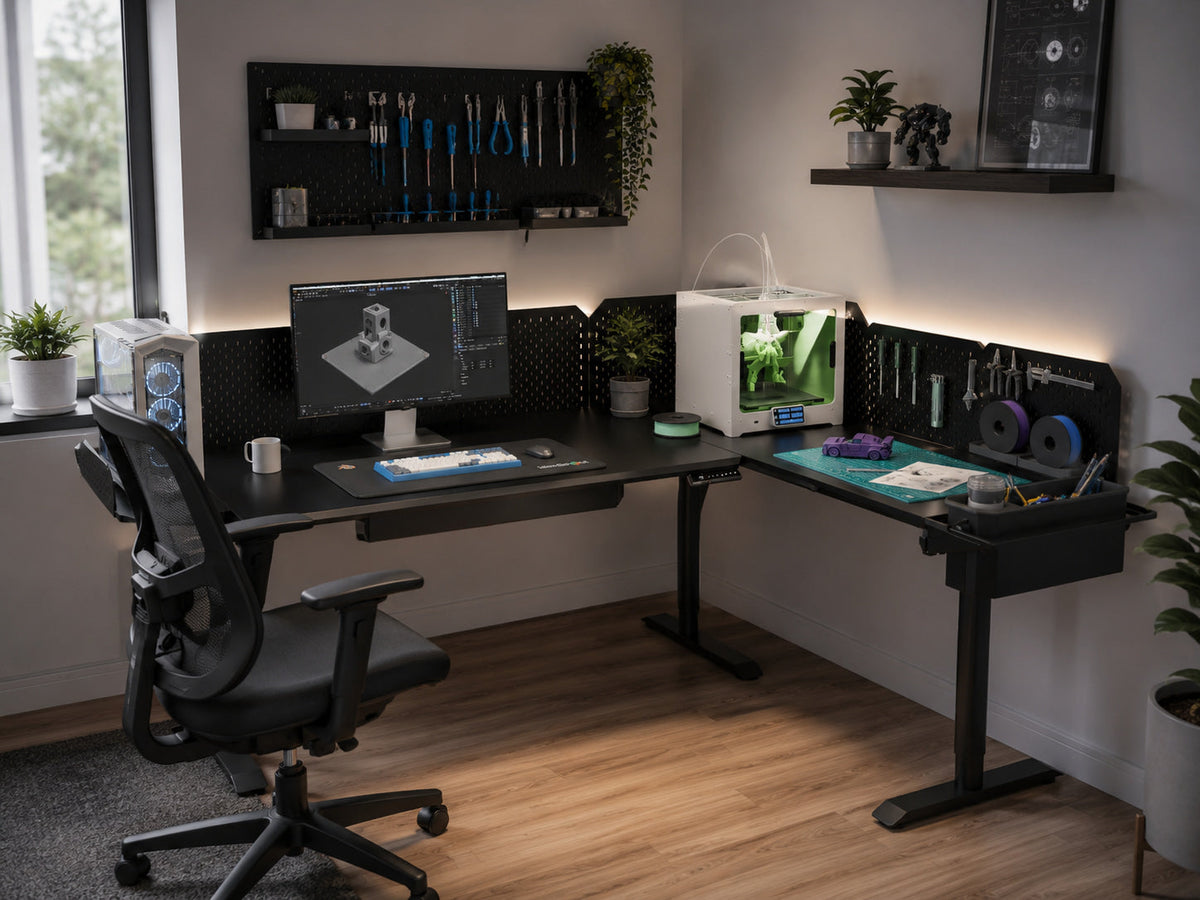
The CreatorOne frame travels 30.3–47.2 inches. That covers the sitting and standing heights of most users from about 5′4″ to 6′4″. The low end meets the sitting elbow height of someone around 5′6″ (i.e. you sit right at the bottom of the range), and the high end reaches most standing elbows up to about 6′4″ without a platform. Users shorter than ~5′4″ can raise the chair seat or add a footrest so their elbows meet the desktop.
What If You’re Tall?
At 6′4″ and above, 47.2 inches is near the edge of your standing elbow height. You can still fit by: raising the monitor on an arm instead of stacking books, using a low-profile keyboard, and skipping a thick anti-fatigue mat. If you’re over 6′5″, check the range against your measured standing elbow before ordering.
FAQ
Q: What is the ideal height for a standing desk?
A: Your elbow height with arms at 90 degrees, whether sitting or standing. There is no single number; it’s personal.
Q: How do I know if my standing desk is too high or too low?
A: If your shoulders hike up or your wrists bend back, it’s too high. If you slump or round your shoulders, it’s too low.
Q: What if my standing desk doesn’t go low enough for sitting?
A: Use a chair with a higher seat, or add a footrest to raise your knees so your elbows meet the desktop.
Q: Is 47 inches tall enough for a 6′4″ person?
A: It’s right at the limit. See the tall-user tips above, or measure your own standing elbow first.
Start With the Right Range
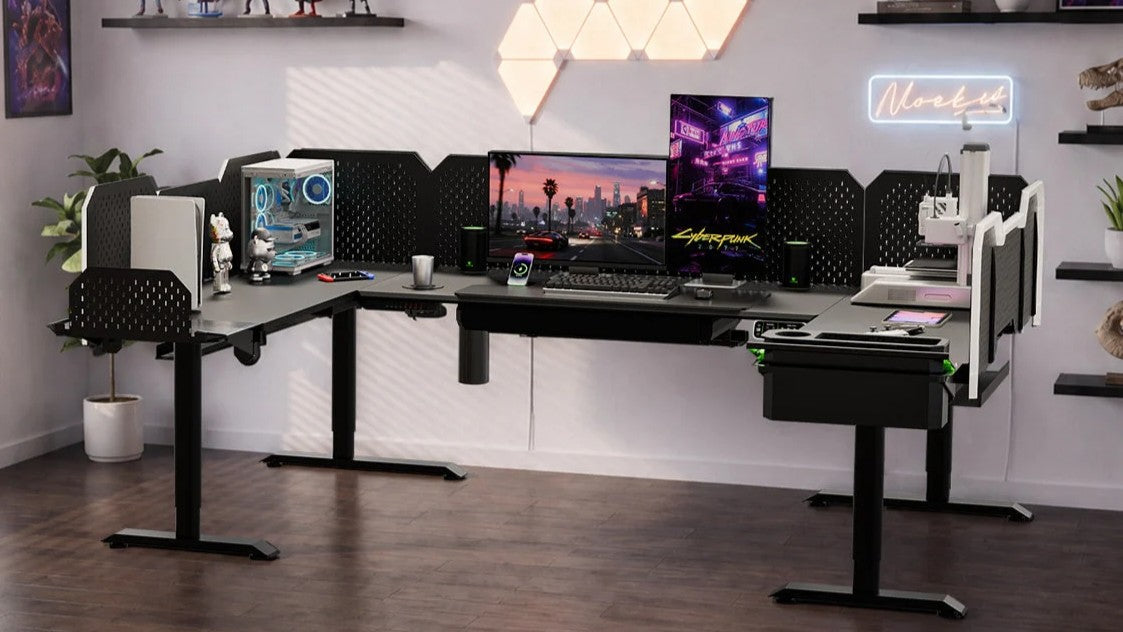
Ready to match the desk to your body? The CreatorOne frame covers 30.3–47.2 inches across Main, L, Extended-L, and U layouts.
Keep reading: