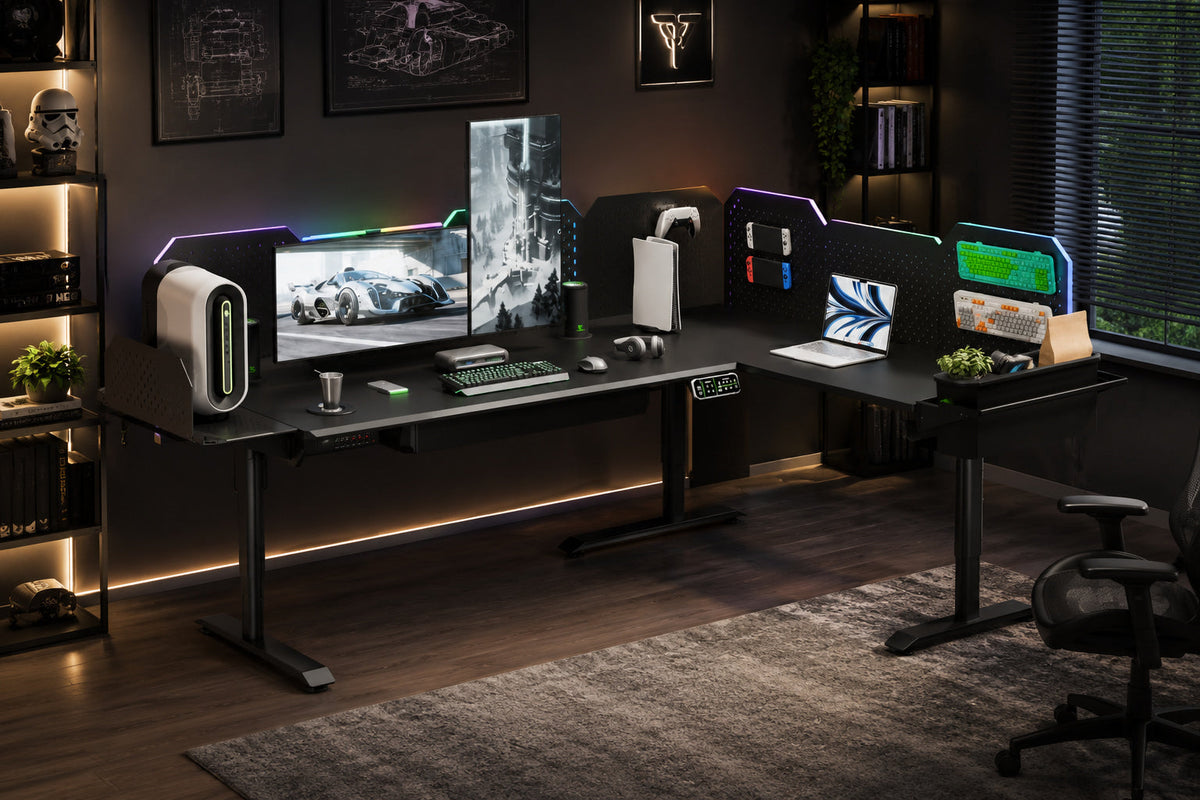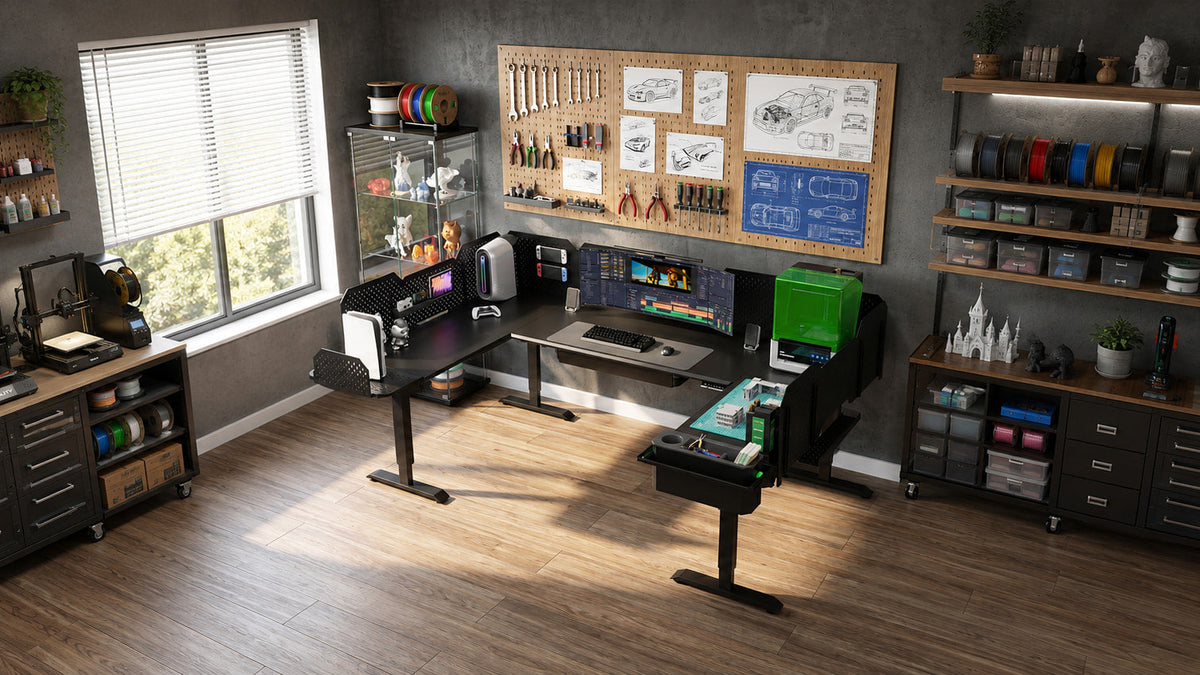
Static load capacity tells you how much weight a desk can support while it is stationary. Dynamic load capacity tells you how much weight the lifting system is rated to raise and lower. If you plan to move the desk with monitors, desktop PCs, speakers, tools, storage modules, or a 3D printer installed, dynamic capacity is the more relevant ceiling. But capacity alone does not tell you whether the desk will feel stable at standing height.
When you compare a Modular Sit Stand Desk,read both numbers, confirm the test conditions, and then inspect the frame.
A high static rating can coexist with noticeable movement if the legs are fully extended, the floor is uneven, a heavy monitor arm projects far beyond a lifting column, or the frame connections are loose. The useful question is not simply, 'How much can it hold?' It is, 'How much can it lift in my layout, and how well does the structure control movement?'
Quick answer: Use dynamic capacity to plan the equipment that will move with the desk. Use static capacity to understand the at-rest limit. Use frame design, load placement, assembly quality, and standing height to judge stability.

Static load capacity is an at-rest rating. The desk is not traveling up or down, so the lifting system is not working against the full load. The frame, joints, desktop, and floor contacts are supporting the equipment in one position. Static capacity is still important, especially for a workstation that may hold heavy equipment for long periods, but it does not describe what the desk can safely lift.
Dynamic load capacity is the rated load the desk is designed to raise and lower. During movement, the motors, gearboxes, lifting columns, control box, and frame connections must work together. Acceleration, deceleration, synchronization, friction, and an uneven center of gravity can all affect the lift. For that reason, dynamic capacity is usually lower than static capacity.
The phrase dynamic vs static load sounds simple, but the published numbers are not always directly comparable between brands. One manufacturer may rate the frame only, while another may include the desktop. Test height, load distribution, duty cycle, layout, and measurement method can also differ. Unless the test method is published, treat each rating as a manufacturer-specific limit rather than a universal laboratory benchmark.
Leave room for items that are easy to forget: monitor arms, PC brackets, pegboards, drawers, cable trays, power hardware, tools, and anything added later.
CreatorOne Load Capacity by Layout
The supplied CreatorOne Pro Max specification matrix lists a separate static and dynamic capacity for each layout. That is useful because expanding the desk changes more than the desktop area: it can also change the number of lifting legs, motors, connection points, and supported zones.
|
Configuration |
Dynamic capacity |
Best number to use when... |
| Main |
315 lb |
The main desk will move with equipment installed |
|
L Desk |
380 lb |
Both connected work zones rise and lower together |
|
Extended L |
500 lb |
The double-extension layout moves as one system |
|
U Desk |
500 lb |
The wraparound layout moves with the full setup |
Capacity reference note: These figures come from the supplied specification matrix. Product labels, conversions, and live specifications can change. Confirm the selected configuration on the current product page and in the final manual before publication or purchase.

The pattern is clear: larger CreatorOne configurations receive higher system-level ratings. That does not mean every point on the desktop can carry the full listed load. A heavy PC, printer, or monitor cluster placed at one unsupported edge can create more movement than the same weight spread across several supported zones.
That distinction matters with a Modular Sit Stand Desk because every expansion changes the geometry.
The correct capacity is the rating for the assembled layout you actually own, not a number copied from the smallest or largest version. Accessories also need to be counted according to where they mount and whether they move with the frame.
Why Standing Desk Weight Capacity Is Not the Same as Stability
Load capacity answers a strength question: how much weight the system is rated to support or move under stated conditions. Stability answers a movement question: how well the workstation resists unwanted front-to-back motion, side-to-side sway, twisting, and vibration during real use.
Two desks can carry the same load and still feel different at standing height. As lifting columns extend, the structure becomes taller and the leverage created by equipment increases. A monitor mounted high and far behind the desk can act like a long handle on the frame. A printer that repeatedly changes direction can introduce vibration. A user leaning on the front edge can create a different force from an evenly distributed test load.
This is why a '300 lb capacity' claim does not, by itself, prove that a desk will feel steady while typing, gaming, drawing, or operating equipment. Capacity, geometry, height, equipment placement, and assembly all need to be evaluated together.
Eight Structural Factors to Check Before You Buy
A Modular Sit Stand Desk should be evaluated as one connected structure.
Use these eight checks when comparing a main desk with an L-shaped, extended L-shaped, or U-shaped workstation.
|
Structural factor |
What to check |
Why it changes stability |
|
Lifting-column overlap |
Column construction and how much overlap remains near maximum height |
Less overlap at full extension can increase leverage and visible movement |
|
Leg count and placement |
Whether heavy work zones are bounded by lifting legs rather than long unsupported spans |
Support placed closer to the load reduces bending and twisting |
|
Footprint and leveling contact |
Foot length, leveling feet, casters, and contact with the actual floor |
Small gaps or soft flooring let motion start before the frame resists it |
|
Bracing and layout junctions |
Cross-members, side brackets, corner connections, and extension interfaces |
These parts resist racking when force travels across an L or U layout |
|
Fasteners and tolerances |
Hardware quality, assembly sequence, tightening guidance, and joint fit |
Small movement at several joints can combine into noticeable wobble |
|
Desktop stiffness and attachment |
Desktop material, span, thickness, and the number and location of attachment points |
A flexible or loosely attached top can move even when the base is strong |
|
Motor synchronization |
The motor count, control system, calibration process, and layout-specific pairing |
Uneven travel can temporarily twist a multi-leg frame and stress connections |
|
Load distribution and center of gravity |
Where PCs, monitor arms, shelves, tools, and printers sit relative to the legs |
High, rearward, or off-center loads create more torque than centered low loads |
How Much Weight Can a Standing Desk Hold in Your Setup?
Before loading a Modular Sit Stand Desk, build a simple moving-load inventory. The goal is not to reach the advertised number.
The goal is to understand what the motors and frame will move every time you change height.
- Confirm what the rating includes. Ask whether the published capacity includes or excludes the desktop, frame-mounted storage, and factory-installed components.
- List every item that moves. Include monitors, monitor arms, PCs, speakers, printers, tools, drawers, pegboards, brackets, power hardware, chargers, and stored contents.
- Use real weights. Check product labels or manufacturer specifications instead of guessing from size. Include the arm, stand, power supply, and filled storage, not only the main device.
- Map each item to a supported zone. Put the heaviest items closer to lifting columns or structural supports. Avoid concentrating the whole load at an outer corner or behind a long monitor arm.
- Compare the total with the correct dynamic rating. Use the capacity for your exact layout and keep operational headroom for future accessories, temporary tools, and measurement uncertainty.
- Recheck after every expansion. Moving from a main desk to an L or U configuration changes the rated system, but it also changes load paths, motor count, cable routing, and calibration requirements.
If the total is below the dynamic rating but the workstation still moves more than expected, the problem may be leverage or installation rather than raw weight. A light monitor positioned far from a support can create more motion than a heavier PC mounted low and close to a leg.
Standing Desk Wobble Fix: Check These in Order
Do not begin by assuming the desk is overloaded. A useful standing desk wobble fix starts with the simplest variables and works toward structural or service issues.
- Test at several heights. If movement increases mainly near maximum height, column extension and equipment leverage are likely contributing factors.
- Check every floor contact. Adjust leveling feet so all feet carry weight. On soft carpet, verify that the desk is not rocking on the carpet edge or pad.
- Tighten hardware in the assembly sequence. Pay particular attention to leg-to-frame, foot-to-leg, desktop, corner, and extension connections. Do not exceed the specified torque.
- Move heavy equipment inward. Place PCs, printers, and dense storage nearer the legs. Shorten the reach of monitor arms where possible and avoid stacking weight high above the desktop.
- Remove cable tension. Tight cables can pull one side of the desk or restrict an extension during travel. Leave controlled service loops through the full height range.
- Run the approved reset or calibration procedure. Multi-motor systems may need recalibration after assembly, relocation, or an interrupted lift. Use the manual for the exact controller and model.
- Stop and contact support if columns move unevenly, the desk drifts, hardware will not stay tight, or you hear grinding, repeated clicking, or impact noises. Unload the desk before inspection when the manual requires it.
What 'Heavy Duty Standing Desk' Should Mean
Heavy duty standing desk is often used as a broad marketing phrase. A more useful definition is a desk whose published load rating, lifting system, frame geometry, documentation, and support process match the equipment and layout you plan to use.
Before buying, verify the dynamic rating for each configuration, the number of motors and legs, the supported height range, the recommended load distribution, the reset procedure, and the availability of layout-specific assembly instructions. A large number without those details is difficult to evaluate.
For an expandable workstation, also ask what changes when you add a module. The extension may require another motor, control connection, support leg, desktop section, or calibration step. A well-designed expansion path should explain those requirements rather than implying that more surface area automatically produces more capacity.
Frequently Asked Questions
Is dynamic capacity always half of static capacity?
No. The supplied CreatorOne matrix lists dynamic capacity at half of static capacity for all four layouts, but that ratio is not a universal rule. Other products may use different motors, frames, safety factors, and test methods. Compare the actual published values and conditions for each model.
Does a higher capacity automatically mean less wobble?
No. A higher rating may indicate a stronger lifting system or frame, but perceived stability also depends on height, leg geometry, bracing, floor contact, monitor-arm leverage, load placement, and assembly quality.
Can I place a 3D printer on a standing desk?
Potentially, if the full moving load stays within the correct dynamic rating and the printer is placed in a well-supported zone. Because printers create vibration and repeated directional forces, test the setup at working height and follow the printer and desk manufacturers' installation guidance.
Which rating should I use if I rarely adjust the desk?
If the desk will ever move with equipment installed, plan around the dynamic rating. Static capacity remains relevant while the desk is parked, but it should not be used to justify lifting a heavier load than the dynamic limit.
Static capacity tells you what a desk can support at rest. Dynamic capacity tells you what the system is rated to lift. Stability tells you how the whole workstation behaves when height, leverage, floor conditions, assembly, and equipment placement interact.
The best Modular Sit Stand Desk is the configuration whose dynamic capacity covers your real moving load, whose structure supports the zones where heavy equipment sits, and whose documentation helps you assemble, level, calibrate, and expand the system correctly.

Explore the CreatorOne
Keep reading: