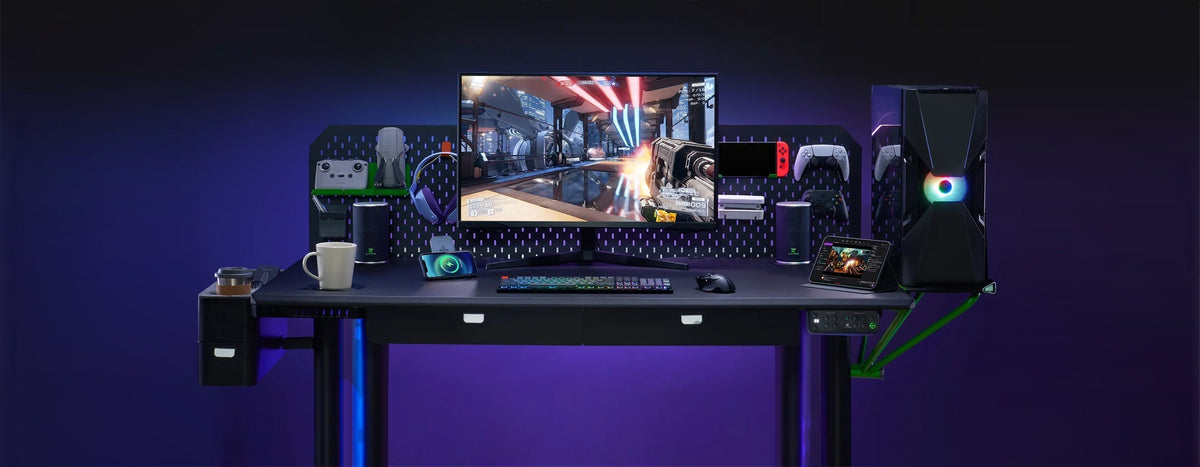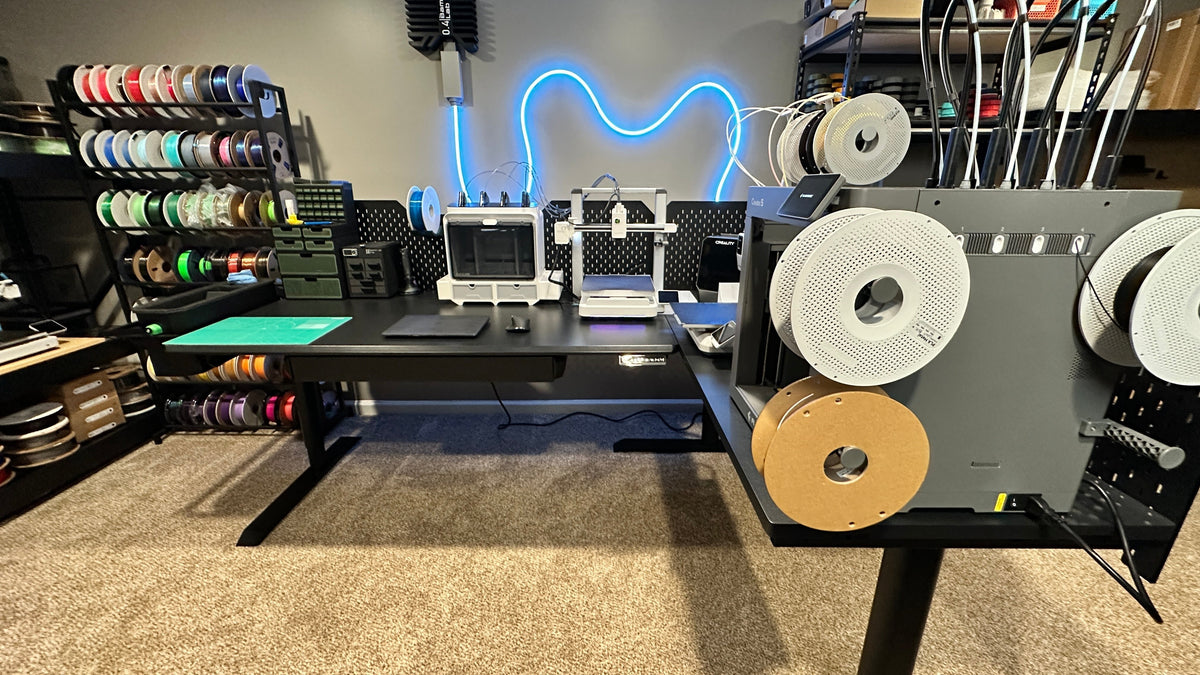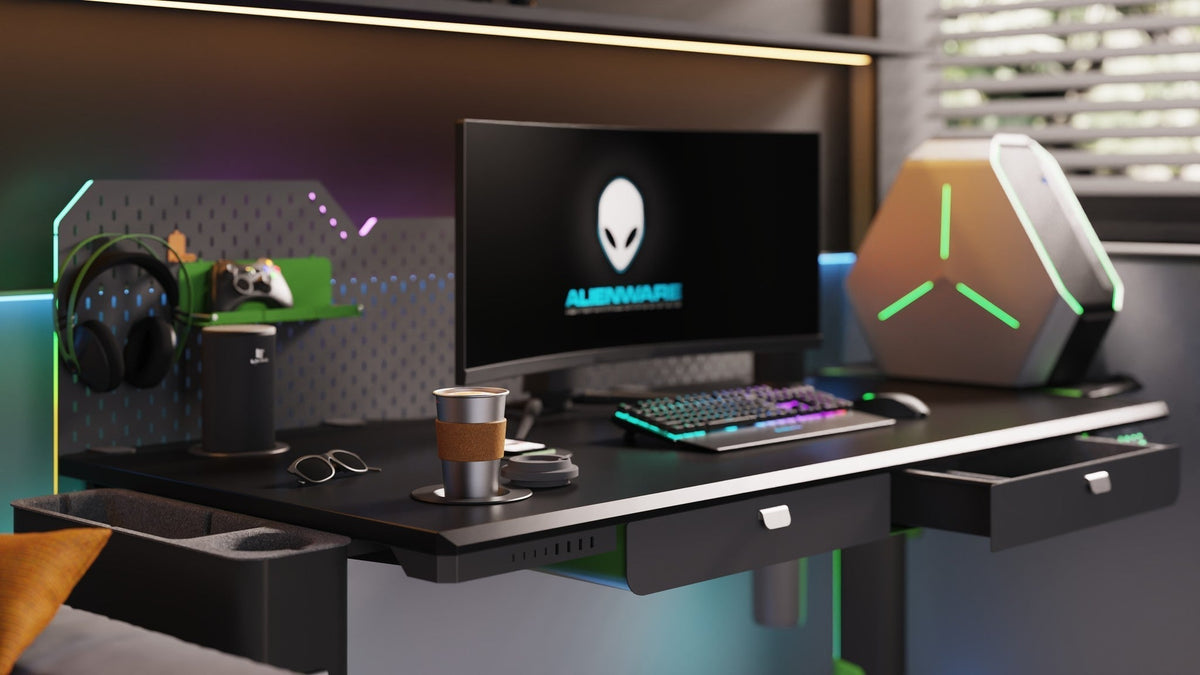
Most standing desks ship with a keypad and stop there. An app-controlled desk adds a screen you already have in your pocket, and that changes how often you actually move. The Livtab CyberOne line pairs a dedicated mobile app with the desk: adjust height, save presets, and manage smart features. This guide spells out what that means in practice, so you know whether the app is a real upgrade or just another icon.

What the App Actually Controls
The CyberOne mobile app does three jobs that matter, and everything else is a variation on them.
1. Adjust Height
Raise and lower the desktop straight from your phone, no reaching for a keypad. Useful when your hands are full or the desk is behind a monitor wall.
2. Save and Recall Presets
CyberOne Modular’s current detail page lists 12 custom heights and a 30.3–44.9-inch height range. Confirm the controls available for your model and app version.
- Save a seated height and a standing height, then switch with one tap.
- Saved positions can help different users return to their measured working heights.
- More presets give you more reasons to change position during the day.
3. Manage the Smart Features
The app is the control surface for the modules you add to the desk:
- Music-sync RGB lighting: switch modes and let the light follow the audio.
- Pop-up Bluetooth speakers: control playback and the rise/retract behaviour.
- Heating and cooling coaster: review the temperature and timer controls available for the compatible module. Settings do not guarantee an exact drink temperature; follow the module’s instructions.
App vs. Keypad
- Height up/down: both.
- Save presets: check the available positions and controls for your exact desk and app version.
- Lighting and audio modes: keypad cannot; app can.
- Drink temperature: keypad cannot; app can.
- Hardware limits (load, travel, noise): neither can change. Those are the desk itself.

What Stays Hardware
The app does not change the desk’s physical limits. CyberOne Modular uses two motors for Main, three for L-shape and four for Extended L / U-shape. Their listed dynamic ratings are 300, 365 and 475 lb respectively. Choose the exact configuration for your supported load and follow its operating instructions.
Is the App Worth Using?
- You switch between sitting and standing more than twice a day -> yes, presets pay off.
- You run two or more smart modules (RGB, speakers, coaster) -> yes, one control surface beats three remotes.
- You only ever sit, or only ever stand -> the keypad is enough.
- You share the desk with someone else -> saved positions can make switching users more convenient.
FAQ
- Do I need the app to use the desk? No. Height control works from the keypad; the app adds convenience and module control.
- How many presets can I save? CyberOne Modular’s current detail page lists 12 custom heights. Check the controls for your exact model and app version; its listed height range is 30.3–44.9 inches.
- Can the app control the lighting and speakers? Yes. The app manages the music-sync RGB lighting and the pop-up Bluetooth speakers.
- Can the app change the weight limit or speed? No. Those are hardware limits. Check the specifications for your selected layout; the app does not increase its load rating.
See What the App Can Do
CyberOne Modular combines configurable desk layouts with app support for height and compatible smart features. Choose your layout first, then confirm the controls available for each installed module.
Build Your CyberOne Modular Standing Desk →
Keep reading:
Built-In vs. Add-On Smart Desk Accessories: Which Is Better?
RGB Standing Desk Lighting: Setup, Cable Routing and Everyday Use