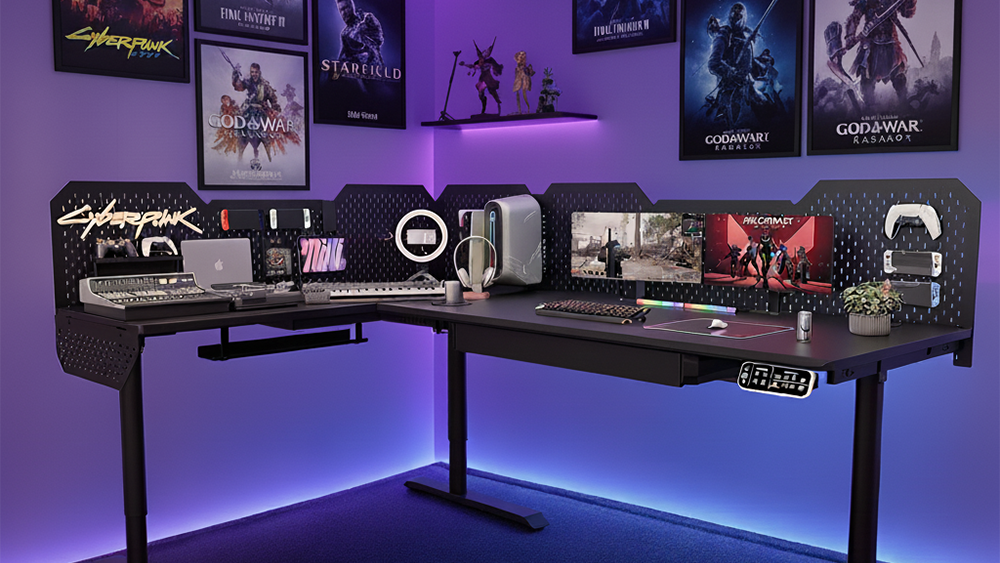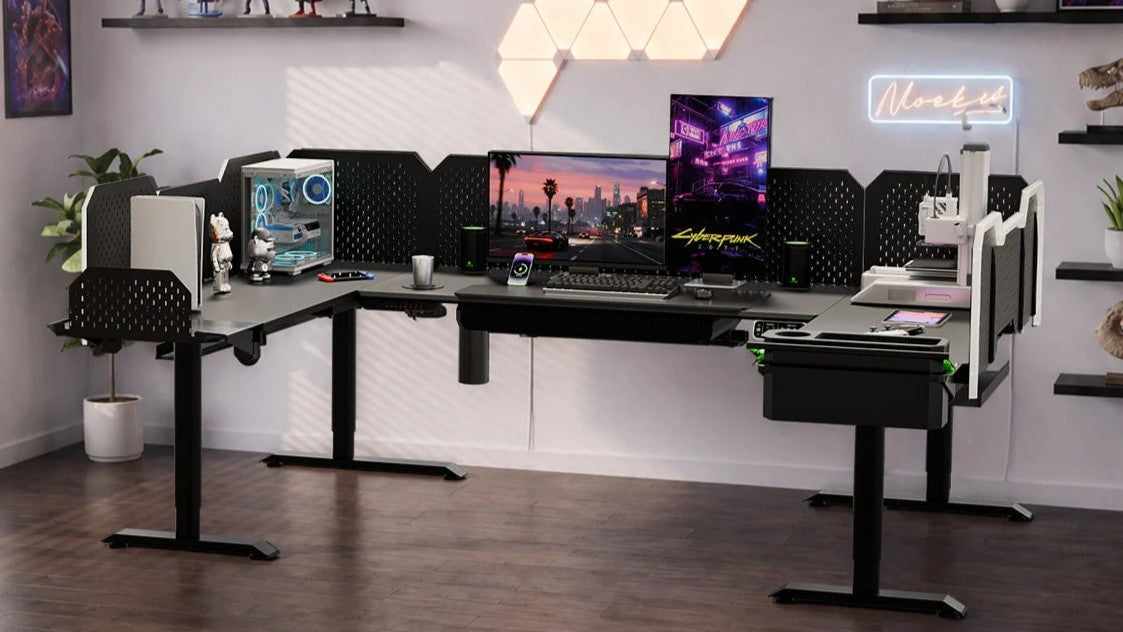
You put a monitor arm on your standing desk. One arm, maybe two. The arm feels solid, the clamp is tight, and the desk hasn't changed. So why does the screen start to wobble the second you raise it, and get worse every time you type?
If that sounds like your setup, the arm and the desk are probably both fine. What changed is the physics.

The arm is a lever
A monitor arm is a lever. It pushes your screen's weight outward, away from the desk's leg column. Even if the column only shifts 1 mm, the end of a long arm can stretch that into several centimeters of motion at the screen.
That's why the wobble looks dramatic at the screen but you barely see it at the leg. You're not imagining it. The arm simply turns a small desk movement into a large one at the screen.

3 Things That Make It Worse
Once you see it as a lever, the rest is just figuring out what makes it move more.
1. Height. The higher the desk goes, the longer the lifting column extends. Most lifting columns are slightly less stiff at full extension. So a desk that's rock-solid at sitting height can feel wobbly at standing height, with or without an arm.
2. Arm payload. A 27-inch monitor on a long arm moves the screen's center of gravity far from the column. Two monitors on two arms doubles the effect. Heavy ultrawides are the worst case.
3. Arm extension. The further the arm reaches forward, the longer the lever. Push the screen back close to the column and the wobble drops sharply. Pull it forward to read a second screen, and the same wobble comes back.
4 fixes that help
You can't get rid of wobble entirely without dropping the arm or the height adjustment, but you can cut it down a lot.
|
Fix
|
What to do
|
Why it helps
|
|
Clamp over the column
|
Mount the arm clamp as close to directly above the lifting column as the desk edge allows
|
Shortens the lever arm to the screen's weight, so any column movement translates less
|
|
Match the arm to the screen
|
Use an arm rated for at least the weight of your monitor (and within the screen-size range it was designed for)
|
An under-rated arm has internal play that adds wobble on top of the lever effect
|
|
Pull the screen closer
|
Retract the arm so the screen sits close to the column at standing height
|
Shortens the lever — the single biggest visible win
|
|
Pick a steadier base desk
|
Use a desk with a stiffer frame, more support points, or a higher static load rating
|
Reduces the source wobble the arm is amplifying
|
Of the four, pulling the screen closer and clamping over the column cost nothing and work right away. Matching the arm to the screen is the next step. Fix the desk last, and only if the first three didn't settle it.
Why does my standing desk wobble more with a monitor arm?
Because the arm is a lever. It pushes your screen's weight outward, so a small shift at the desk column turns into a larger one at the screen. The arm doesn't create the wobble. It just makes the wobble that was already there visible.
Does a heavier or 4-leg desk fix monitor arm wobble?
It can help, but only a little. Extra legs or more weight reduce the underlying movement the arm amplifies, but they don't change the lever itself. The biggest gains still come from shortening the lever: clamp over the column, retract the arm, and match the arm to the screen.
Where should I clamp a monitor arm on a standing desk?
As close to directly above the lifting column as the desk edge allows. The further the clamp sits from the column, the longer the lever, and the more the screen will move at full height.
Want a steadier base to build on? Pair our Monitor Arm System with the CyberOne Pro standing desk. Check the desk configuration, monitor weight and mounting compatibility before ordering; the Monitor Arm System requires a pegboard.
Keep reading:
Static vs. Dynamic Load Capacity: what those weight ratings actually mean for a loaded desk
Carbon Steel vs. Aluminum Standing Desk Frames: Is Steel Worth It?