When your setup outgrows a single straight desk, you hit a fork: buy one L-shaped standing desk, or place two separate desks side by side. Both give you more surface, but they differ in footprint, stability, cable management, and cost. Here is the head-to-head so you pick the right one the first time.
The 30-Second Decision
- Choose one L-desk if you want a corner wrap, a single control, and one clean cable run.
- Choose two separate desks if two people share the room, you rearrange often, or each station needs its own height.

Footprint and Room Layout
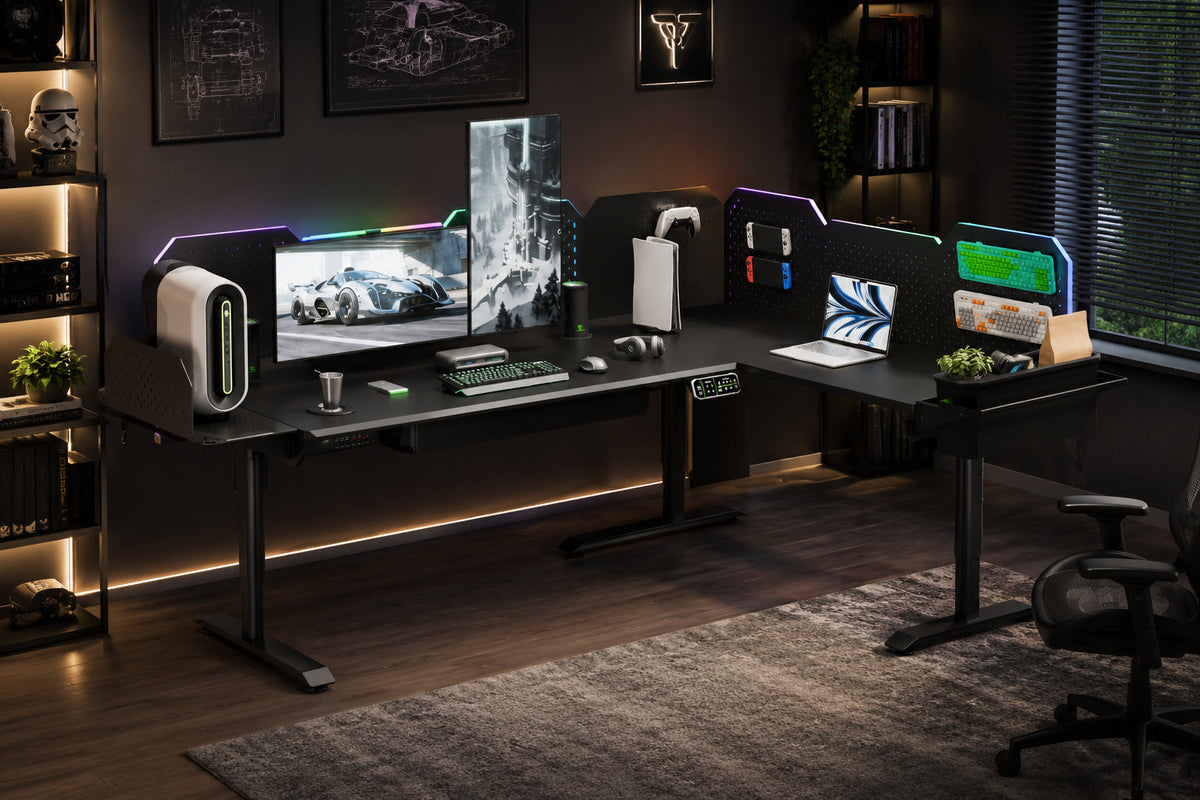
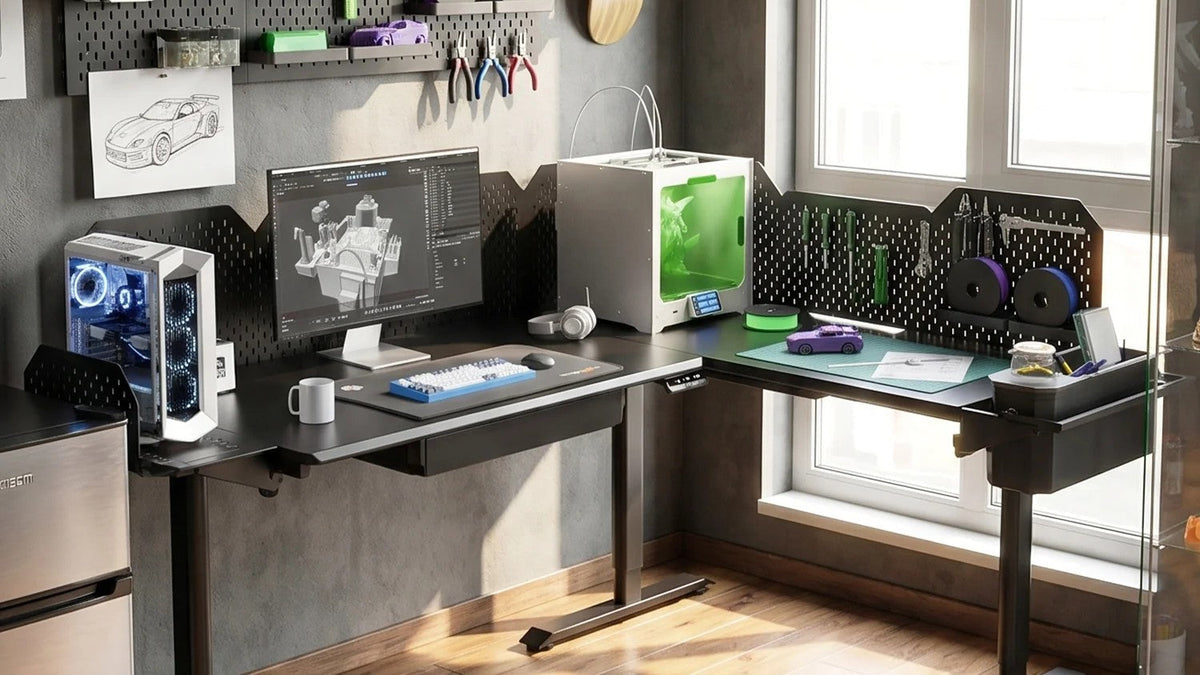
- An L-shaped CreatorOne is 86.6″ L × 63.0″ W and wraps a corner, freeing the wall behind it: one frame, one footprint.
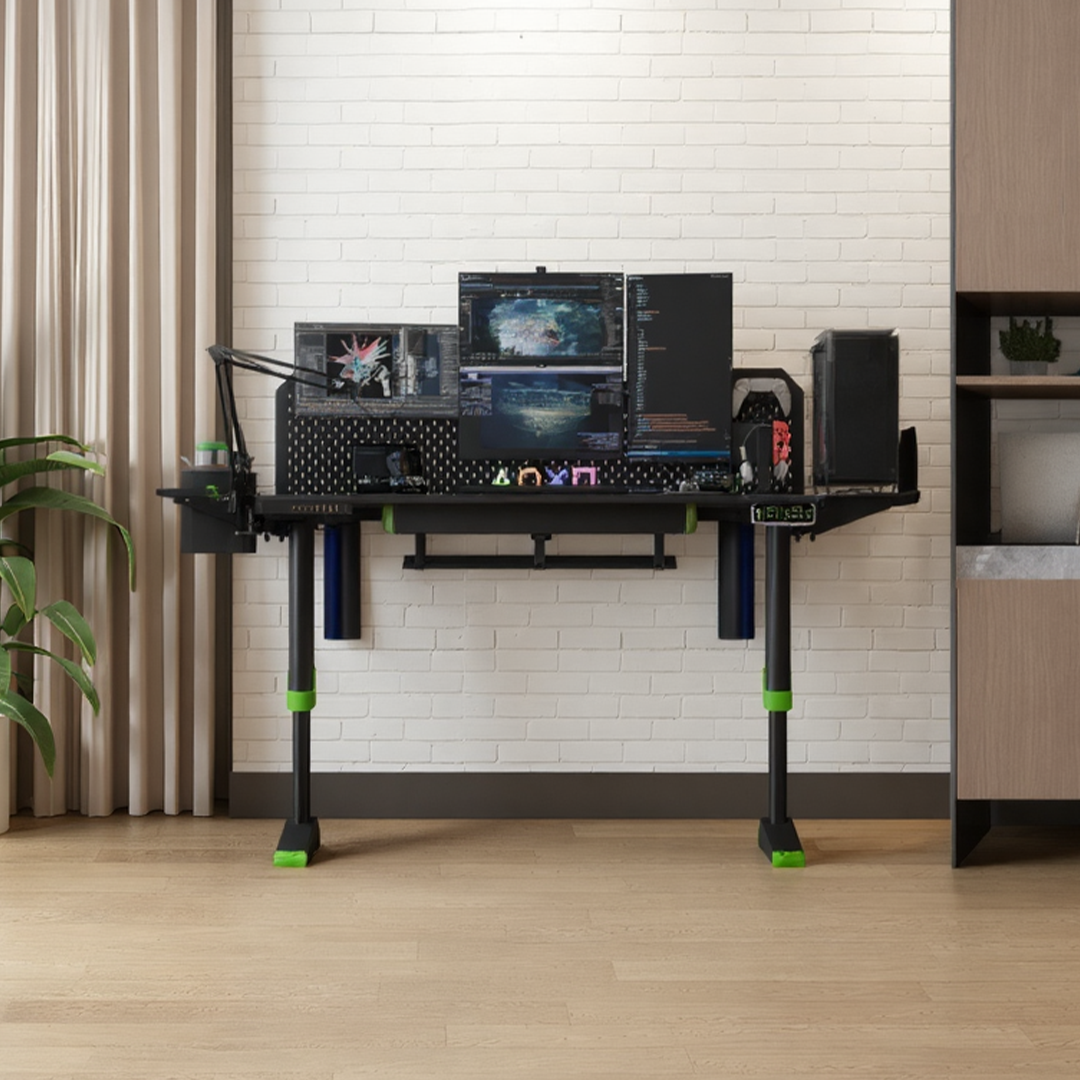
- Two separate Main desks are each 63.0″ × 31.5″; placed end to end they span about 126″ × 31.5″ along a wall and leave the corner empty. You need more linear wall space and a clear gap between them.
- Verdict: tight corner room → L; long wall with space to spare → two desks.
Stability and Load
- The L-shape rides on a single 3-motor frame rated 760 lb static / 380 lb dynamic. One synchronized lift, no height mismatch between wings.
- Two desks mean two independent frames, each rated 315 lb dynamic. They never drift out of level with each other, but you manage two lifts and two presets.
- Verdict: one heavy rig (printers, monitors, PC) → L; lighter separate stations → either.
Cables and Power
- The L-desk carries one integrated cable tray and a built-in power strip per desktop module, so wiring stays under one run.
- Two desks double the trays, strips, and the chance of a cable canyon between them.
- Verdict: cleanest setup → L.
Cost
Two CreatorOne Main desks run 2 × $699 = $1,398 at the current sale price (confirm at checkout), and the L-shape is a single unit, with its price sitting between one and two Main desks . Factor one warranty and one delivery versus two.
When Two Separate Desks Win
- Shared office or hot-desking: pull one away without moving the other.
- Different users: each desk saves its own presets and height.
- Frequent re-layout: two lighter pieces move easier than one 86″ L.
When One L-Desk Wins
- Corner rooms: wraps the angle, no dead space.
- Single owner, heavy rig: one frame, one control, one cable run.
- One warranty, one delivery, fewer boxes.

FAQ
Q: Is an L-shaped desk more stable than two desks?
A: Stability depends on the frame. The L uses one 3-motor frame; two desks use two 2-motor frames. For a single heavy rig the L is simpler to keep level.
Q: Can I run dual monitors on an L desk?
A: Yes. 86.6″ gives room for two arms on one wing; add a pegboard for a third.
Q: Is an L desk cheaper than two desks?
A: Usually yes per square inch of surface. Two Main desks cost $1,398 combined, while the L is one unit .
Q: Which is better for streaming or gaming?
A: An L keeps PC, stream deck, and monitors on one stable surface with one cable run. It’s a common pick for creators.
Pick the Layout That Fits Your Room
The CreatorOne L-shape wraps a corner on one 3-motor frame; the Main desk starts your setup and pairs with a second if you go the two-desk route.