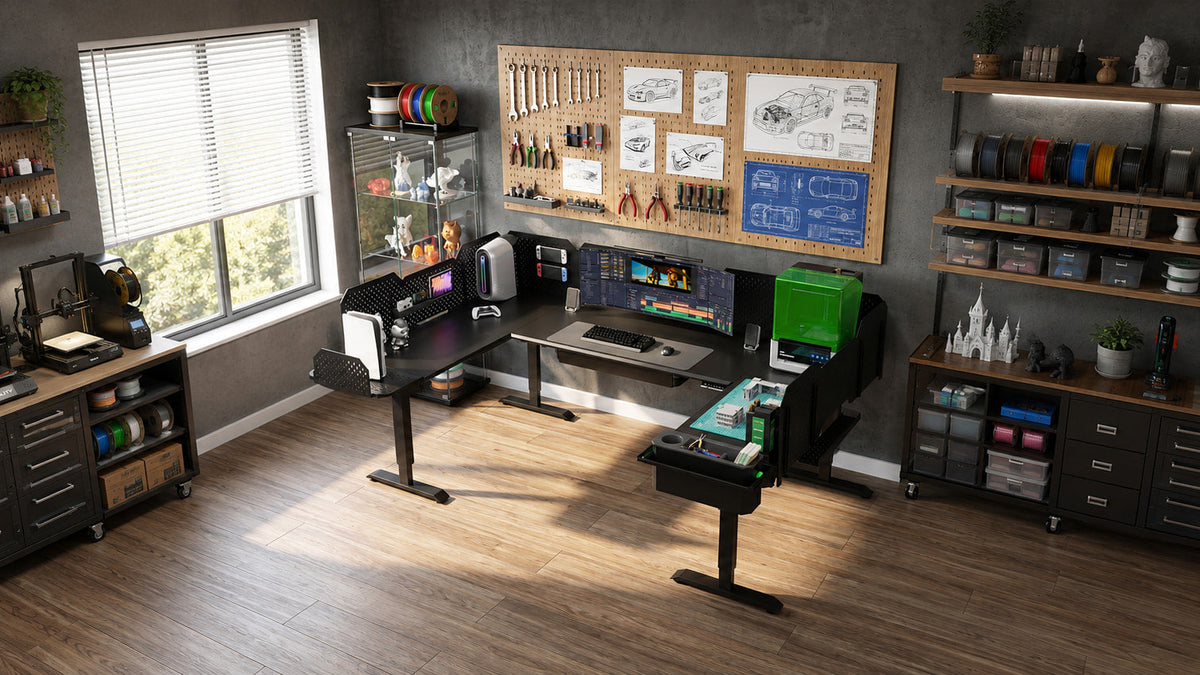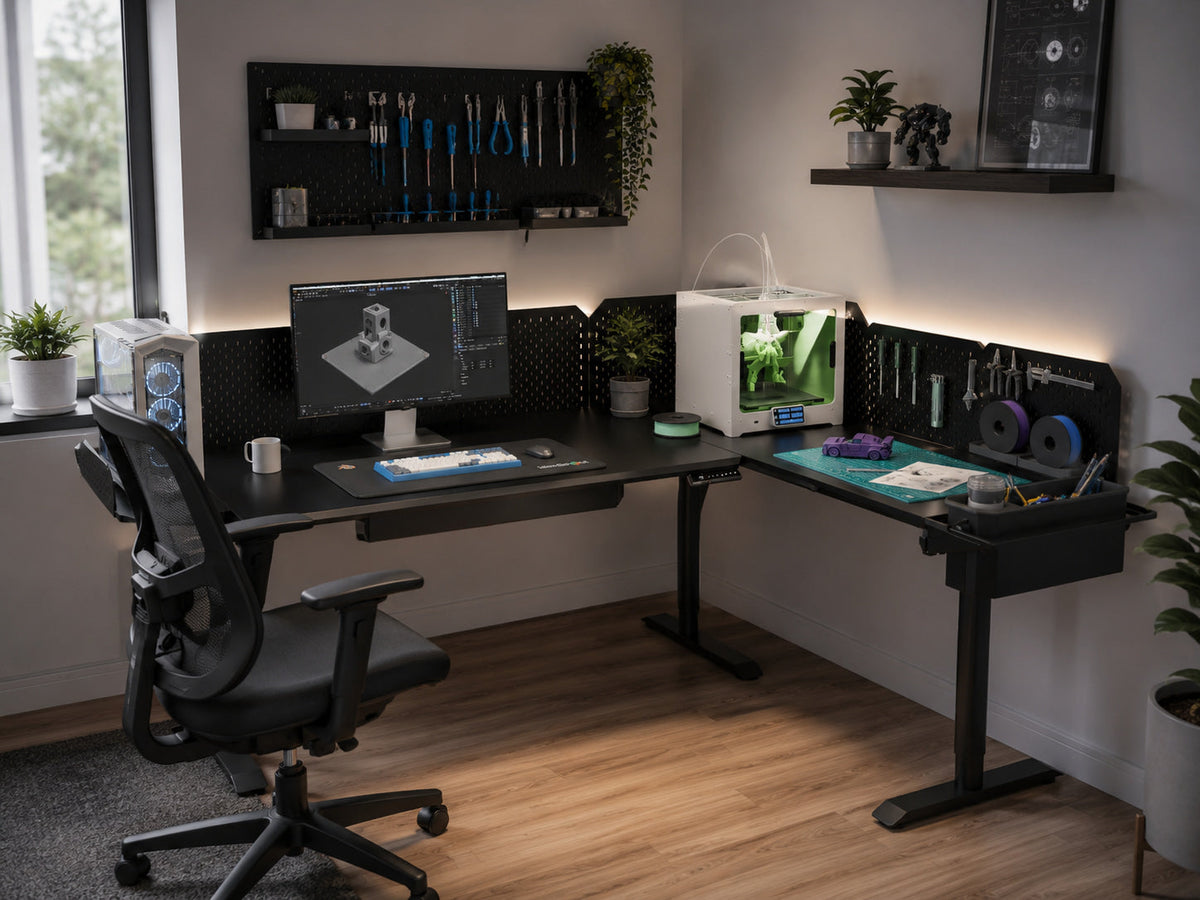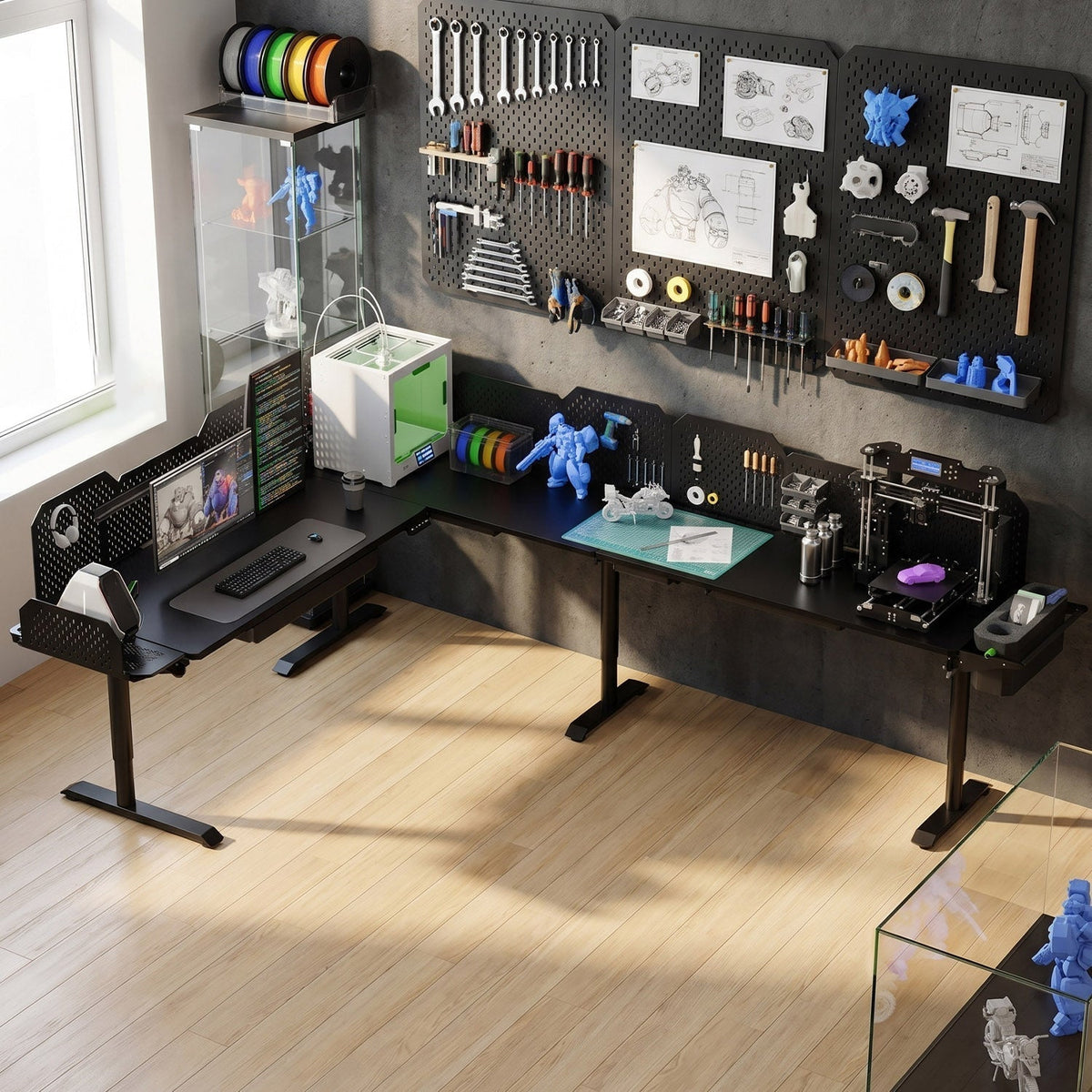
Most standing desks are sold as one fixed rectangle. You pick a size, pay, and hope it fits. CreatorOne works differently: it's a modular frame system that starts as a single desk and grows into an L-shape, Extended L, or full U-shape as your workspace grows. The real question is which layout matches your room, your equipment, and how you actually work.
This guide breaks down the four CreatorOne layouts using the official specs: dimensions, motor count, load capacity, and the room each one fits best.
The Four CreatorOne Layouts at a Glance
Every layout shares the same 30.3"–47.2" height range, 35 mm/s lift speed, ≤50 dB noise level, Q195 cold-rolled steel frame, HDF desktop, four memory presets, and ten-year warranty. The difference is the footprint, motor count, and load rating.
|
Layout
|
Desktop Size
|
Motors
|
Static Load
|
Dynamic Load
|
Best For
|
|
Main Desk
|
63.0" L × 31.5" W
|
2
|
630 lb
|
315 lb
|
Single monitor, small room, focused work
|
|
L-Shape
|
86.6" L × 63.0" W
|
3
|
760 lb
|
380 lb
|
Corner setup, dual monitors, maker bench
|
|
Extended L
|
86.6" L × 126.0" W
|
4
|
1000 lb
|
500 lb
|
3+ monitors, large tools, deep workspace
|
|
U-Shape
|
110.2" L × 63.0" W
|
4
|
1000 lb
|
500 lb
|
Command center, wraparound access
|
Main Desk: The Starter Foundation
The Main Desk is where the CreatorOne system starts. At 63.0" long and 31.5" deep, it's a standard single-person workstation, big enough for a monitor arm, laptop, and compact peripherals. The two-motor lift is rated for 315 lb dynamic load, which covers most single-monitor setups and a desktop PC mounted underneath.
Choose the Main Desk if you have a small office, a single focus screen, or you're trying out a standing desk before adding modules. It's also the right base if you know you'll expand later but want to start with a clean, compact footprint.
L-Shape: The Corner Workstation
The L-Shape measures 86.6" × 63.0" and adds a return surface along one side. That return makes the corner useful instead of wasted. With three synchronized motors and a 380 lb dynamic load, it can hold dual monitors on one side and a laptop or tools on the other without tipping during height adjustments.
This layout is the sweet spot for dual-monitor users, makers with a small 3D printer or soldering station, and anyone with a corner to spare. The motor count matters here: a three-motor system lifts the larger L surface evenly, so the corner doesn't rack or wobble on the way up.

Extended L: The Expanded Bench
The Extended L takes the L concept and doubles the depth to 126.0". You get the same 86.6" primary length, but the return is long enough for a second full workstation or a line of equipment. Four motors and a 500 lb dynamic load make it the first layout that can lift a multi-tool maker bench or a triple-monitor streaming setup.
Choose the Extended L if you need horizontal room more than corner access. It fits against a longer wall or in a studio where one side is for computing and the other is for fabrication, assembly, or audio gear.
U-Shape: The Command Center
The U-Shape is the largest CreatorOne configuration: 110.2" long and 63.0" deep, wrapping you on three sides. It runs the same four-motor, 500 lb dynamic load system as the Extended L, but the U layout gives you the most accessible surface area per square foot of wall space. Everything sits within arm's reach, which is why it turns up in command-center workstations and heavy maker setups.

This layout needs the most room. Add chair clearance and a walkway behind you, and you'll want roughly 13 ft × 10 ft of floor space. The payoff is that you no longer rotate between separate desks. The desk wraps around you.
How to Choose in Three Questions
1. How big is your room?
Measure wall space plus chair clearance. The Main Desk fits in most bedrooms and small offices. The L-Shape needs a corner. The Extended L needs a long wall. The U-Shape needs a large dedicated room.
2. How much equipment do you keep on the desk?
Add up your monitors, PC, tools, and peripherals. If the total is under 150 lb, the Main Desk is fine. If you're over 300 lb or spread gear across two zones, start at the L-Shape. For heavy or multi-zone setups, the Extended L or U-Shape is the safer match.
3. Will your setup grow?
CreatorOne is modular, so you don't have to lock in your final layout today. The Main Desk can become an L, an L can become an Extended L or U, and each step keeps the same frame and control system. If you know your gear list will expand, start with the layout that leaves room for the next module.
FAQ
What is the difference between L-shaped and U-shaped standing desk?
An L-shaped desk gives you two connected work surfaces meeting at a corner. A U-shaped desk adds a third section across the front, wrapping you on three sides. U-shapes need more room but create a command-center layout with everything in reach.
What size room do I need for a U-shaped desk?
A U-shaped CreatorOne desk is 110.2 inches long and 63.0 inches deep at the desktop. Add chair clearance and walkway space on all sides, so a room roughly 13 ft × 10 ft or larger works best.
Can I upgrade a CreatorOne layout later?
Yes. CreatorOne is built as a modular system. You can start with a Main desk and add sections to grow into an L, Extended L, or U-shaped layout without replacing the entire frame.
Which CreatorOne layout fits a dual monitor setup?
A Main desk can hold dual monitors on a single stand, but an L-Shape gives each screen a dedicated zone. For three or more monitors, or a PC tower plus multiple tools, the Extended L or U-Shape is a better fit.
Build the Layout That Fits Your Space
CreatorOne isn't one desk in four sizes. It's one frame system that scales from a focused single desk to a full creator command center. Pick the layout that matches your room and gear today, then expand when your workflow needs more surface.
Keep reading:
-
What Makes a Standing Desk Stable? (why motor count and frame stiffness matter more than leg count)
-
Static vs. Dynamic Load Capacity (what those 315–500 lb ratings actually mean for your gear)
-
Is a Carbon Steel Standing Desk Frame Worth It? (how the Q195 frame supports larger layouts)