A heavy modular standing desk pays you back with stability and room to grow, but it also arrives in heavy boxes and takes real setup. The CreatorOne frame, for example, is carbon steel rated up to 500 lb with a desktop up to 110″ wide, so planning the delivery and assembly before the truck arrives saves your back and your afternoon. Here is the sequence, start to finish.

Before the Delivery Arrives
- Know the window. LIVTAB lists 3–10 day delivery with free shipping to your door, so clear space and book a helper for the day it lands.
- Measure the path. Check doorways, stair turns, hallway width, and elevator clearance. The widest CreatorOne layout is 110.2″ (U-shape) and even the Main top is 63″, so plan the route before the cartons show up.
- Clear a work area. You need floor space about the desk’s footprint, plus room to kneel and flip the frame.
Unboxing the Heavy Cartons
- The cartons are dense. Use two people to carry each box; do not drag them up stairs alone.
- Cut straps, not the contents. Lay parts on a blanket or cardboard to avoid scratches.
- Inventory the hardware. CreatorOne lists "Assembly: Yes" with the frame, motors, and a desktop module; matching bags to the step diagram before you start prevents mid-build stops.
- Recruit two people. Buyer reviews repeatedly note the boxes are heavy and a second person is needed to flip and position the desk.
- Keep the manual and small parts in one tray so nothing rolls away mid-build.
Assembly, Step by Step
1. Build the frame: connect legs, crossbar, and feet; snug the leveling feet so all four touch the floor.
2. Mount the desktop: place the HDF top on the frame, align, and fasten. Do not fully torque until aligned.
3. Route cables early: buyers who stopped to reroute mid-build reported about 2 hours total; running the cable tray and power strip first keeps it under two.
4. Add motors and controls: CreatorOne uses 2–4 synchronized motors by layout (35 mm/s, ≤50 dB). Connect per the diagram.
5. Pair and test: power on, run a full up/down cycle, then save your 4 memory presets.
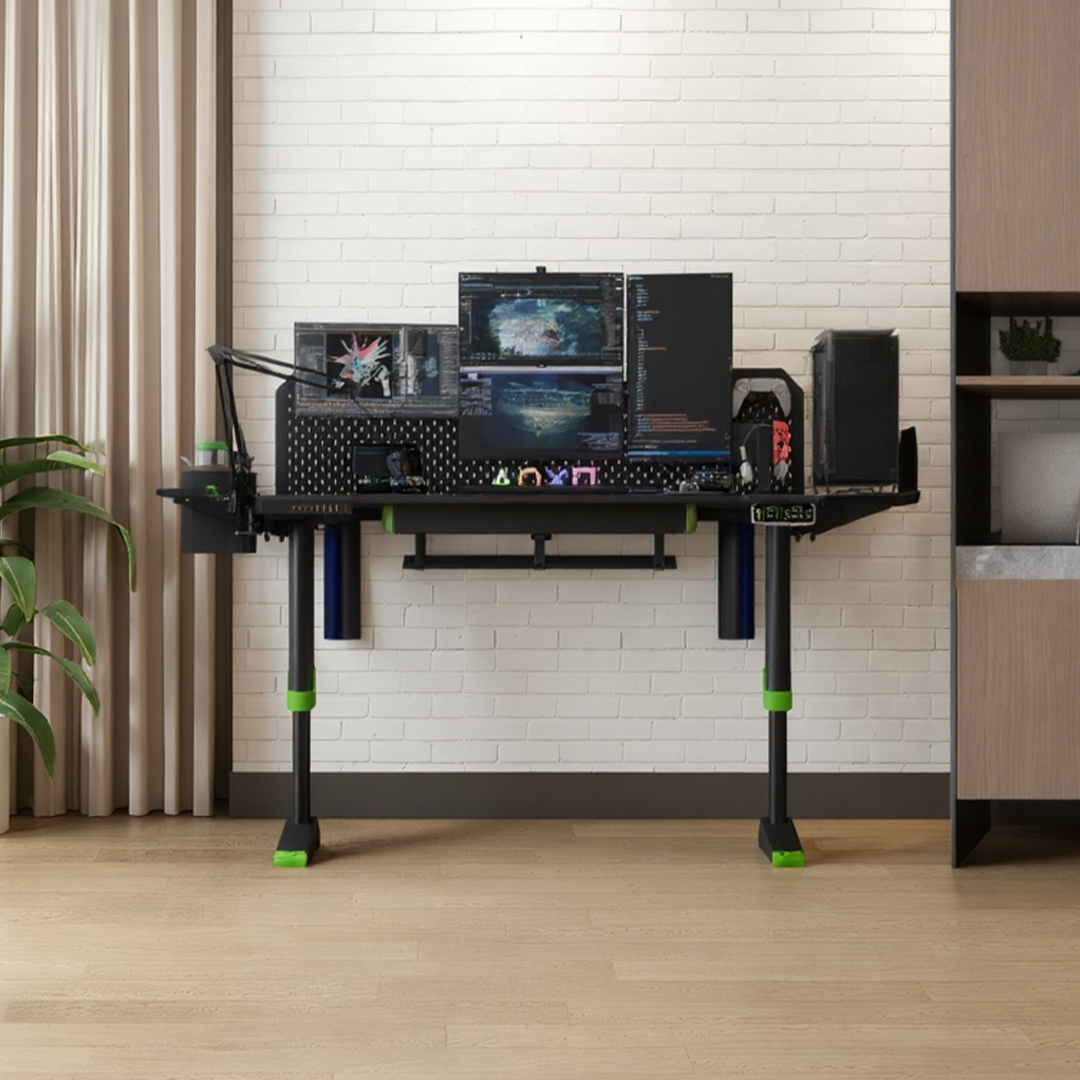
6. Level and finish: re-check the feet, then add pegboard, monitor arm, or storage if ordered.

Time, Help, and Planning to Expand
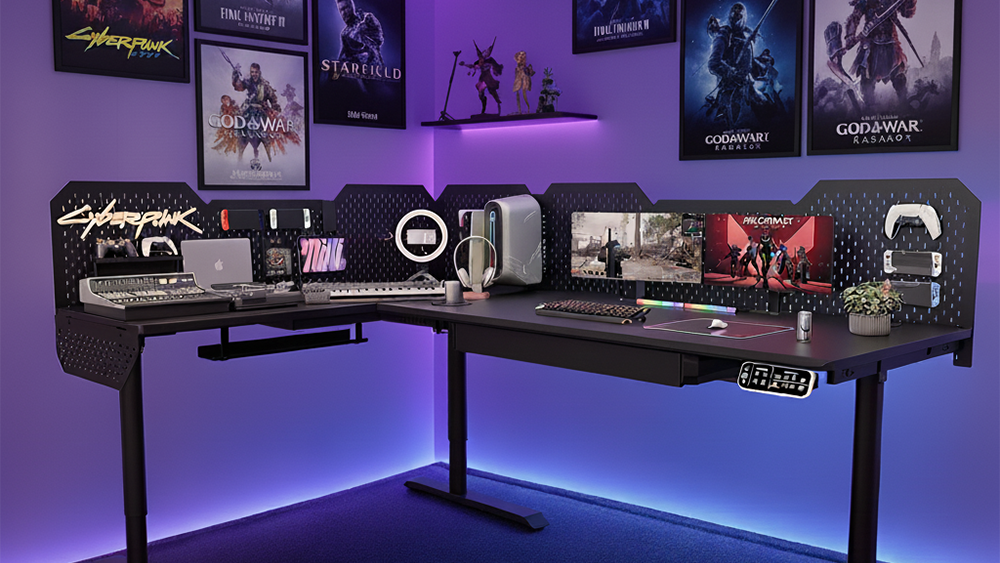
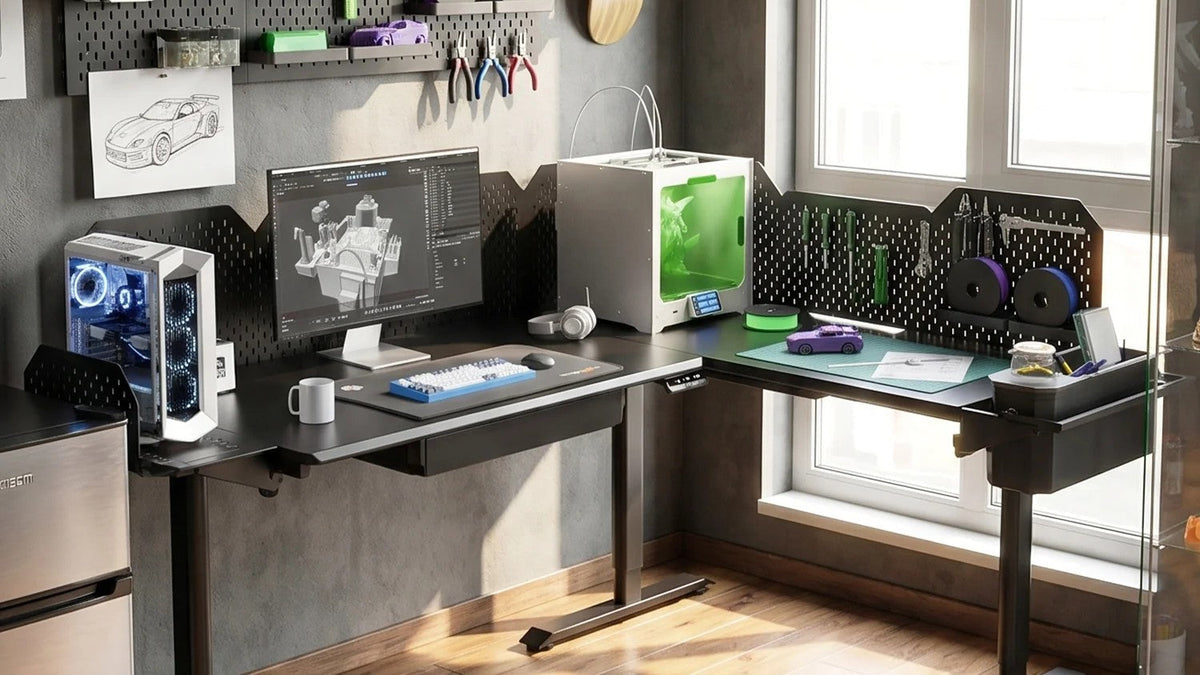
Budget about two hours with a helper and a clear cable plan; solo is possible but slower and risky on the flip. Because CreatorOne is modular, start with the Main desk and have later add-ons (L, Extended L, U, pegboards) delivered as separate shipments when your setup grows. Each arrives as its own heavy carton, so the delivery plan above applies every time.
FAQ
Q: How long does a standing desk take to assemble?
A: Buyers report about 2 hours with cable routing; plan a half day to be safe.
Q: Can one person assemble it?
A: The frame can be built solo, but reviews say a second person is needed to flip and position the heavy top.
Q: Are tools included?
A: Assembly hardware ships with the desk; keep a cordless drill handy to speed fastening.
Q: Will it fit through my door?
A: Measure the path first. The widest layout is 110.2″ and ships in sections, so the boxes, not the assembled desk, are what must fit.
Start With the Right Base
Ready to plan your own? The CreatorOne modular frame covers Main, L, Extended L, and U layouts, all rated 30.3–47.2″ travel and 315–500 lb by configuration.
Keep reading