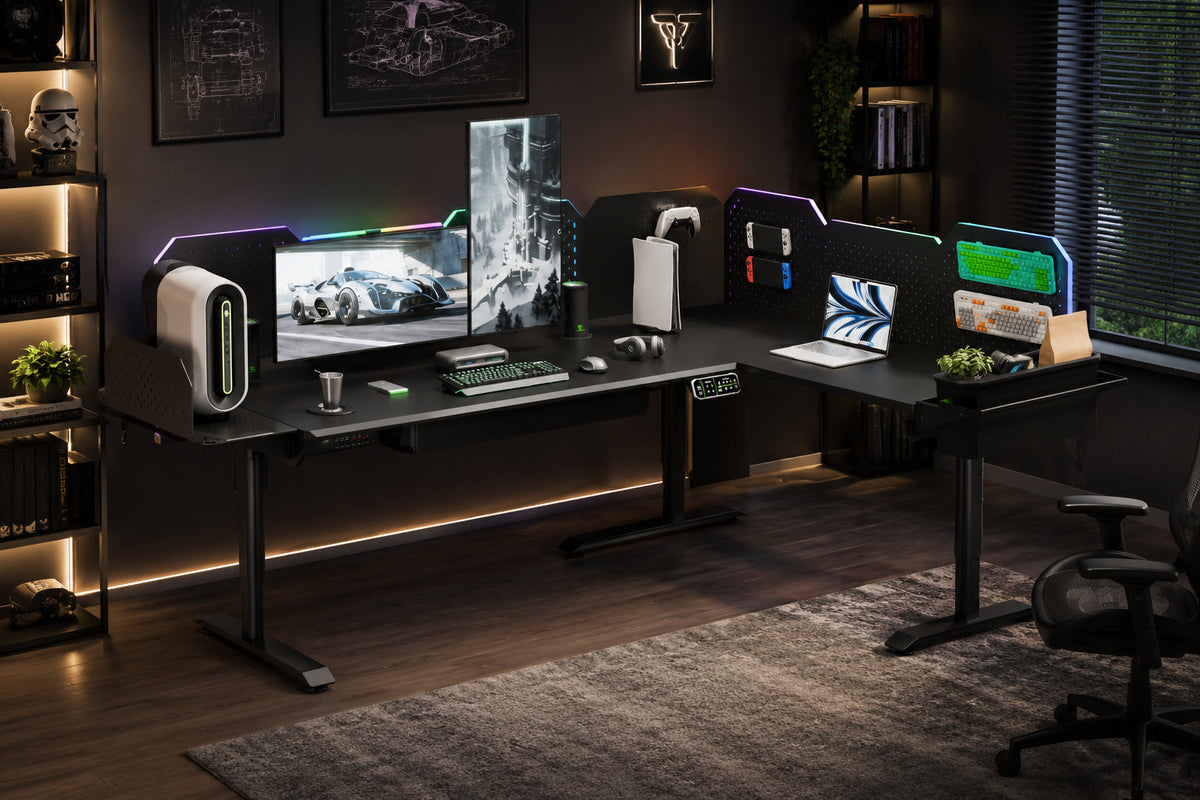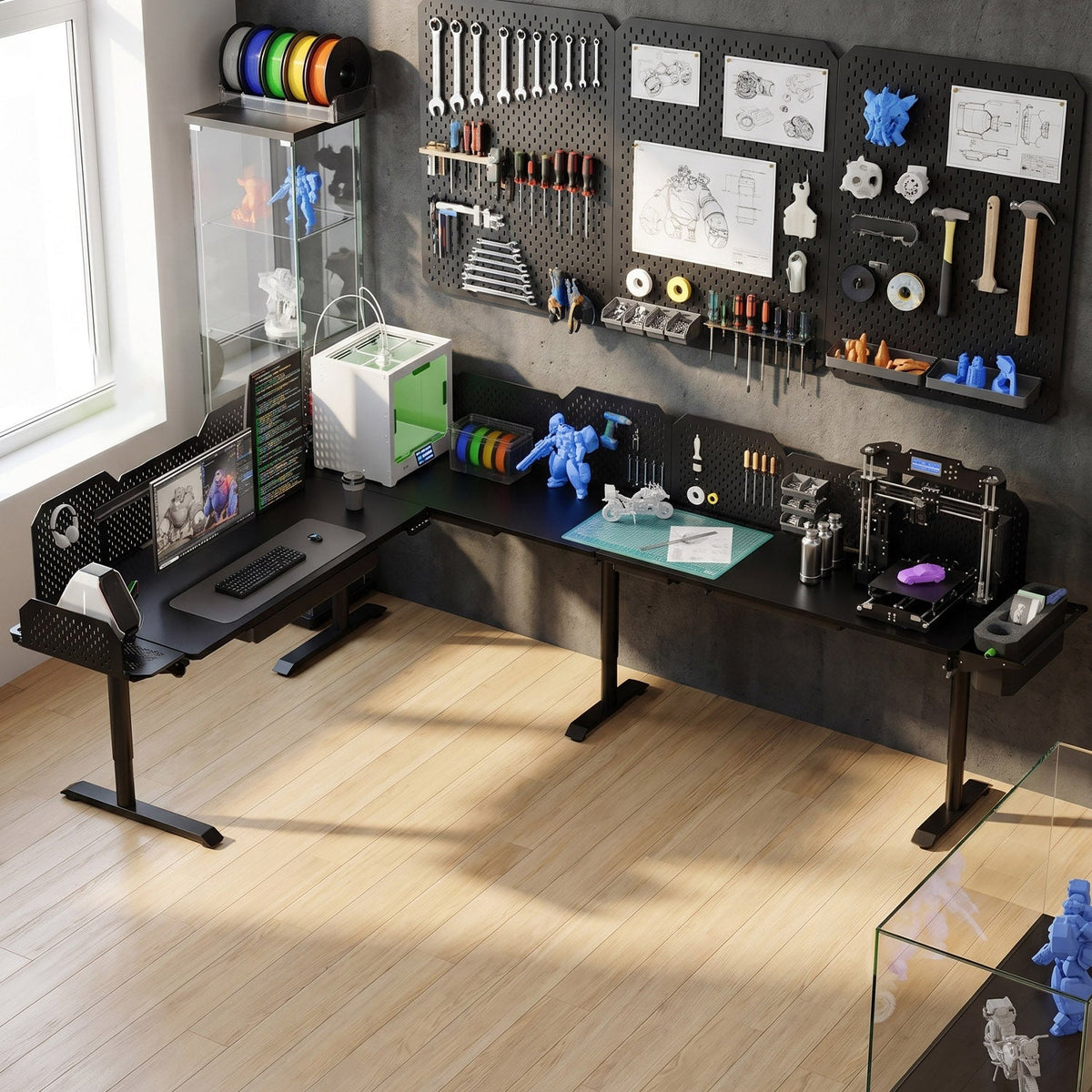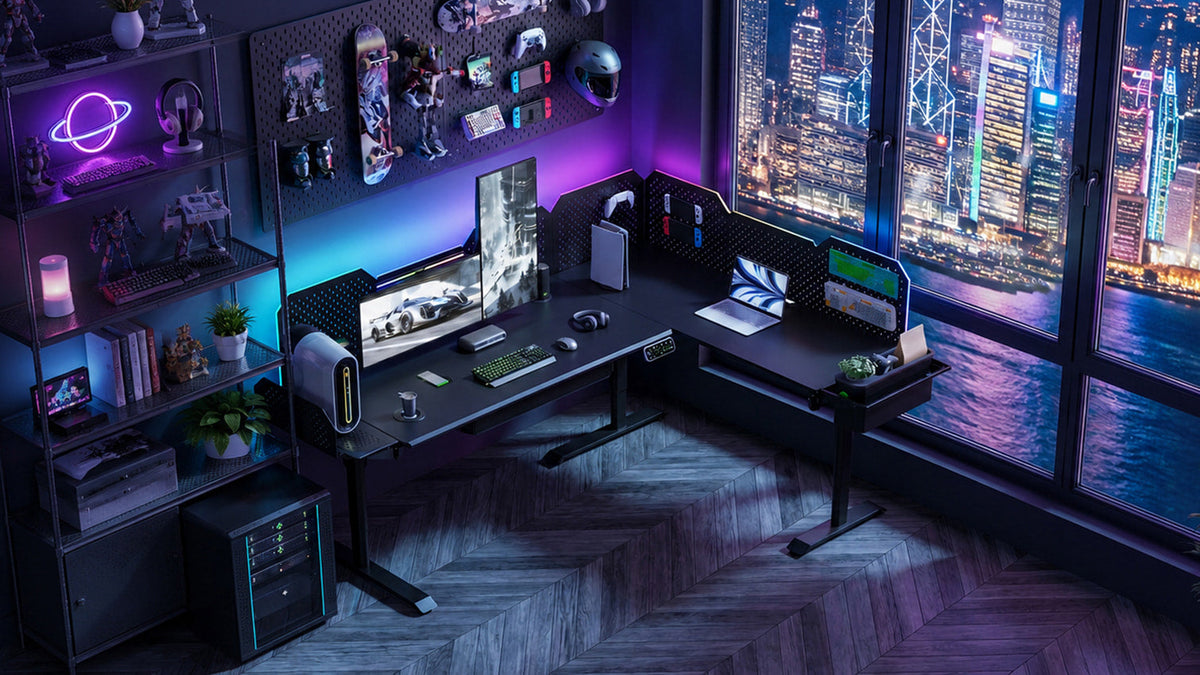
A three-screen layout only pays off if the geometry, weight, and cable run are planned before you clamp the first arm. Here is the setup that works on a CreatorOne frame.
Three monitors can be a real productivity win, but most triple setups fail for the same reason: they get bolted onto a desk that is already full. Plan the arc, the weight, and the cables first, and a 3-screen standing desk feels natural instead of cramped. This guide assumes a CreatorOne frame (31.5" deep top, 3-motor L-shape rated 760 lb static), but the rules hold for any desk with a monitor arm.
Step 1: Plan the Arc, Not a Flat Row
Three screens in a straight line force your neck to swivel to the edges. Instead, build a shallow arc:
- Center monitor: straight ahead, top edge at or just below eye level when seated.
- Two side monitors: angled inward 20-30 degrees, equal distance from your eyes.
- Keep the center screen 20-28" from your face; side screens slightly farther.
Step 2: Check the Weight Before You Clamp
A triple monitor arm or two single arms must hold all three panels plus the desk top. Typical loads:
- Three 24-27" monitors: ~15-25 lb total (arms rated 30+ lb handle this).
- CreatorOne frames use 3 motors on the L-shape (760 lb static / 380 lb dynamic), so the lift is never the limit. The arm clamp is.
- Clamp to the back edge of the 31.5" deep top; never to the front, or the arc sits too close.
If you run ultra-wide plus two side panels, split across two arms and balance the load near the corner.
Step 3: Confirm You Have the Depth
Three monitors on arms need the desk to be deep enough that the screens sit behind your keyboard, not on top of it. The CreatorOne 31.5" top clears this with room to spare; shallower 24" tops push the arc into your wrists. (For the full depth math, see our standing desk depth guide.)
- Minimum workable depth with arms: ~28".
- Comfortable depth: 30-32". The CreatorOne standard.

Step 4: Route Three Cable Runs Once
Three screens mean three power bricks, three video cables, and usually one hub. Do it once, clean:
- Run all video + USB cables down the back edge into a cable tray along the frame.
- Use one powered hub on Zone B (the return) so only one cable crosses to the PC.
- Label each cable at both ends before the desk goes up. You'll thank yourself later.

Step 5: Save Heights for Sit and Stand
The CreatorOne travels 30.3-47.2" at 35 mm/s and stores 4 presets. Save two for yourself (seated, standing) and a third if a second person shares the desk. Because the arc is fixed to the arms, both zones rise together. Your eye line stays correct in either position.
FAQ
- Can one arm hold three monitors? A dedicated triple arm can, but two single arms give more angle control and spread the clamp load.
- Will 3 screens make the desk wobble? Wobble comes from clamp position and load near the edge; keep screens centered and the arm clamped at the back, and the 3-motor frame stays steady.
- Is 31.5" depth enough for 3 monitors? Yes. Arms lift the screens off the surface, so depth covers the keyboard plus a shallow arc, not three flat panels.
Plan Your Triple Setup
A CreatorOne frame gives you the 31.5" depth and the motor capacity to carry three monitors on arms. Start with the frame and add a monitor arm (or two) to lock the arc in place.
Keep reading: