Built-In vs. Add-On Smart Desk Accessories: Which Is Better?
A new standing desk already does most of the smart work. Here is what comes built in, what you can safely skip, and which add-ons actually pay for themselves on a CreatorOne frame.
A standing desk is sold as a "smart desk", and most of the smart stuff is already in the frame. The accessory aisle exists because every desk is different: one person needs a cable tray, another needs a wireless charger. The right answer is not to buy everything. Buy the one or two accessories that change how you actually work. This guide sorts built-in from add-on for a CreatorOne frame, so you only spend on what is missing.
What Comes Built In (You Already Paid for This)
A CreatorOne frame ships with a long list of features that look like upgrades elsewhere, but they're all built in.
- 4 height presets with one-touch recall.
- 30.3-47.2" travel range covering sit and stand for most adults.
- 35 mm/s lift speed, <=50 dB noise, Q195 cold-rolled steel columns.
- HDF desktop surface, ready for clamp-on monitor arms and grommet accessories.
- Review the current warranty policy and the selected product details before purchase.
If a feature is in this list, do not pay for an add-on that "adds" it. Save the budget for the things the desk cannot do itself.

Add-Ons Worth the Money (By Use Case)
These are the accessories that fix a problem the frame cannot solve. Prices below are starting prices; variants and bundles vary.
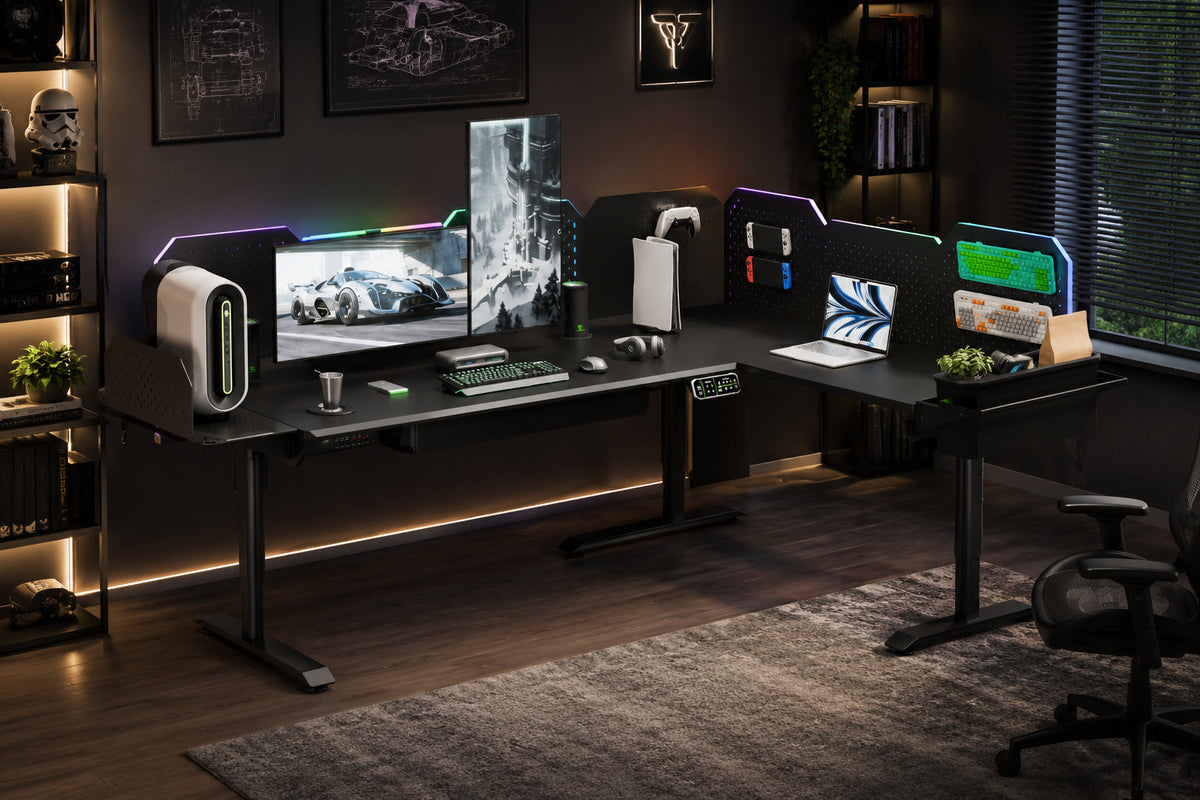
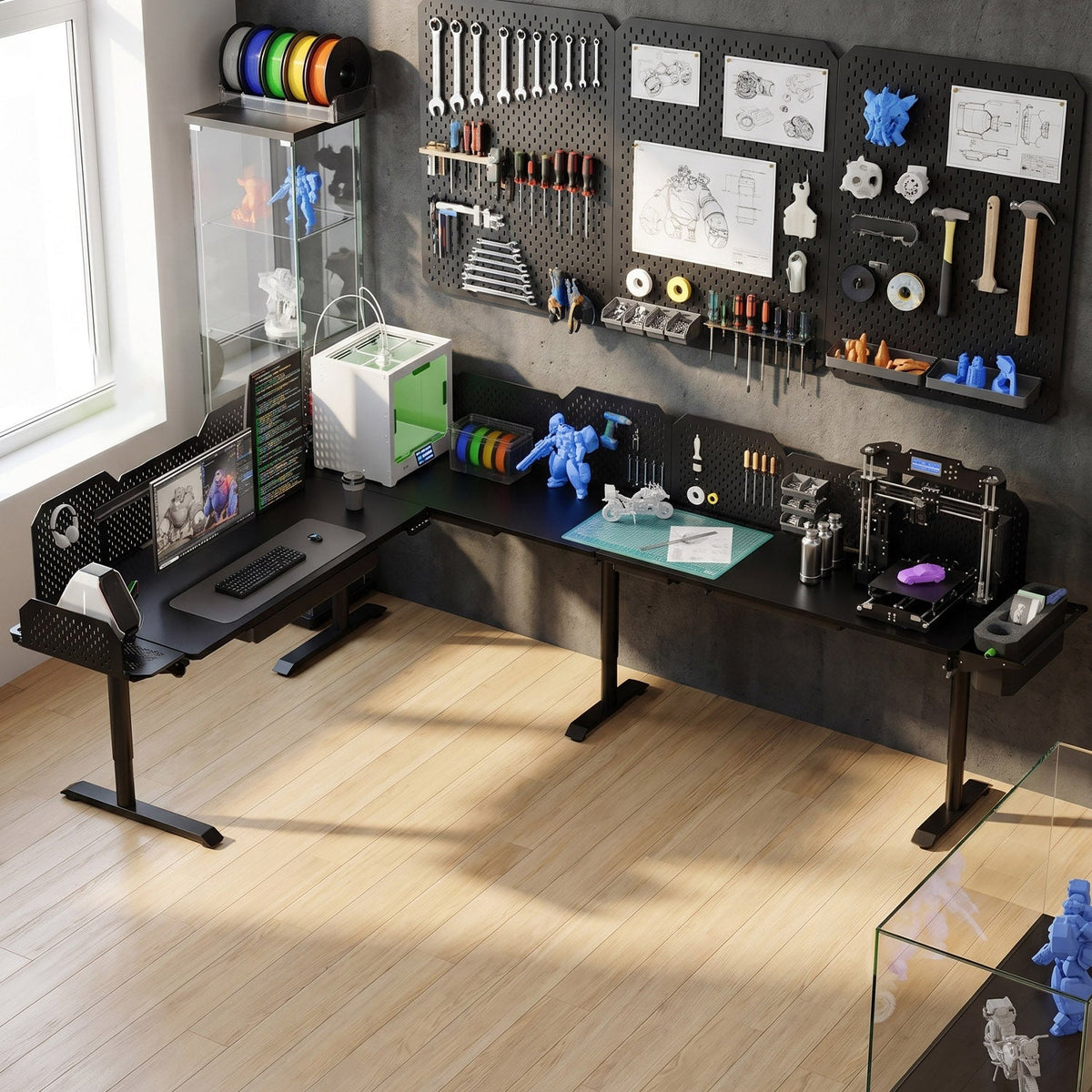
- Storage: tool box (from $99) for desk-side caddies, pegboard metal (from $149) or expansion (from $199) for hanging gear off the surface.
- Power and comfort: multi-port charging station (from $89) for one-brick power, cold/hot cup pad (from $99) to keep drinks at temp, RGB light strip (from $79) for bias lighting.
- Display and audio: monitor arm (from $199) to free the surface, dual lift speakers (from $229) for clear calls without desktop footprint.
- Host PC and mobility: PC host bracket (from $109) to lift the tower off the floor, casters (from $30) if the desk moves often.
- Insurance: extended warranty (from $50) to push frame coverage past year 10.

Where You Have a Choice
Some things are partially built in and partially an add-on. Pick the level you need.
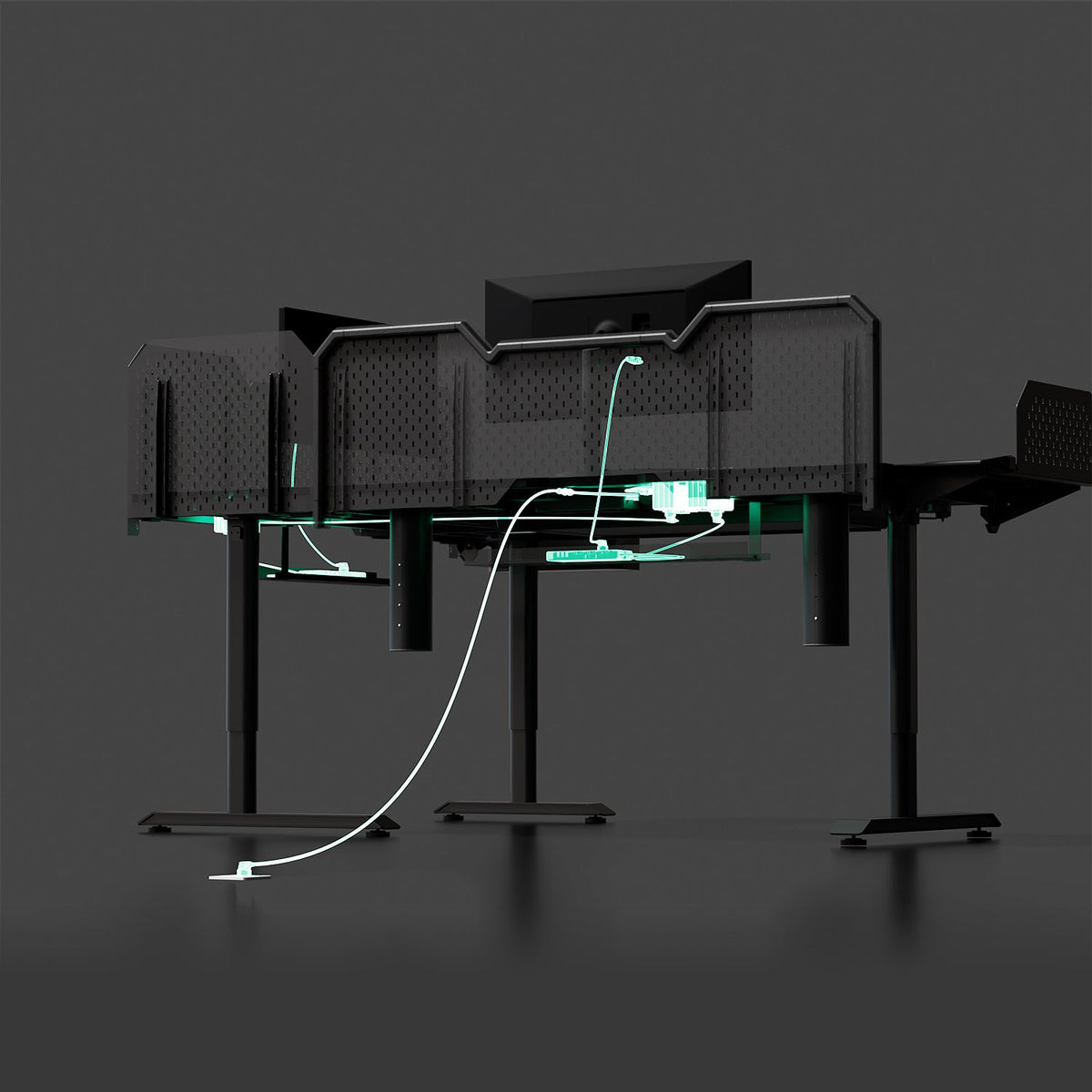
- Cable management: the frame accepts basic routing; a tray or channel is the upgrade when the cable count crosses ~5.
- Charging: USB ports on the controller are enough for a phone; a charging station is the upgrade for laptops and tablets.
- Lighting: the room handles ambient; the RGB strip is the upgrade for video calls and night work.
What Should You Buy First?
- You take video calls all day -> RGB light strip + dual lift speakers.
- You work on a laptop only -> multi-port charging station + monitor arm.
- You swap gear often -> pegboard (metal or expansion) + tool box.
- You move the desk between rooms -> casters + PC host bracket.
- You are hard on gear -> extended warranty + drawer fronts.
FAQ
- Do I need a charging station if the desk has USB? Only if you charge laptops or tablets; phones are fine on the built-in ports.
- Is a pegboard better than a drawer? Different jobs: pegboard hangs visible tools, drawer hides clutter. Many people use both.
- Is the extended warranty worth it? Only if you are past year 5 or you move the desk frequently; otherwise the 10-year built-in coverage is enough.
Start With the Frame, Add What You Need
A CreatorOne frame gives you the motor system, the height range, and the surface that most add-ons need. Pick one or two accessories from the list above, and the desk will pay you back in saved desk space and time.
Keep reading: