The CyberOne Modular configurator starts with a desk, then lets you stack modules. Here is the order that gets you the most function per dollar, and the one module most buyers get backwards.
The CyberOne Modular is sold as a base desk plus add-ons, which sounds simple until you see the module list. The trick is that the modules are not equal: one of them is a prerequisite for two others, and a few only make sense after the first. This guide ranks compatible CyberOne Modular modules by what to consider first. Check the current product configuration and accessories collection for live prices, availability and any promotion.
Step 0: Pick the Base First
Every module mounts to the desk, so the surface comes first. The CyberOne Modular offers four base configurations:
- Main Desk: 63.0" L x 31.5" W. A focused single workstation.
- L-Shape: 86.6" L x 63.0" W. A reversible corner workstation.
- Extended L: 86.6" L x 126.0" W. An expanded reversible L workspace.
- U-Shape: 110.2" L x 63.0" W. Maximum wraparound workspace.
Pick this by how many monitors and how much surface you need. Everything below assumes you have chosen the base.
Tier 1: Buy the Pegboard First
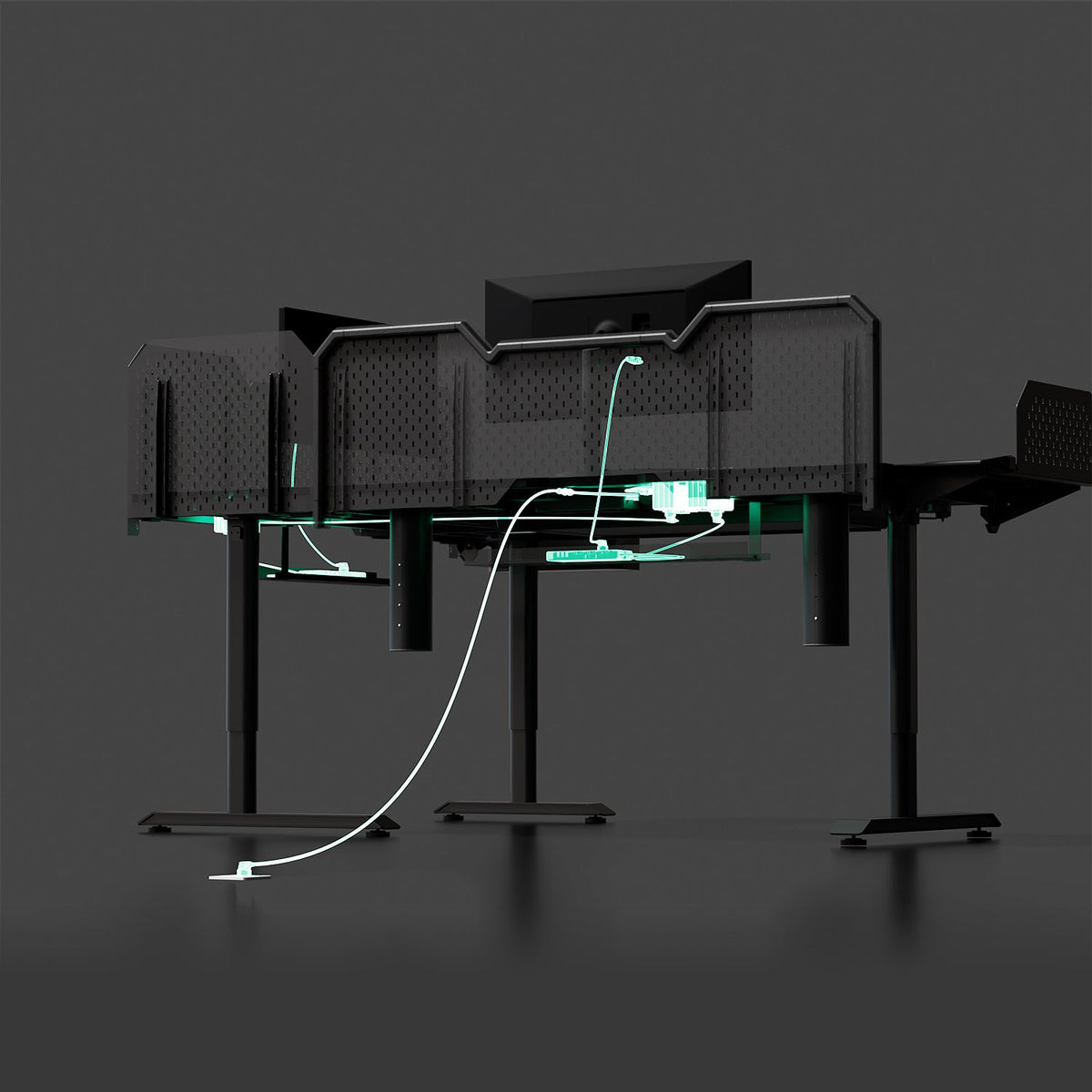
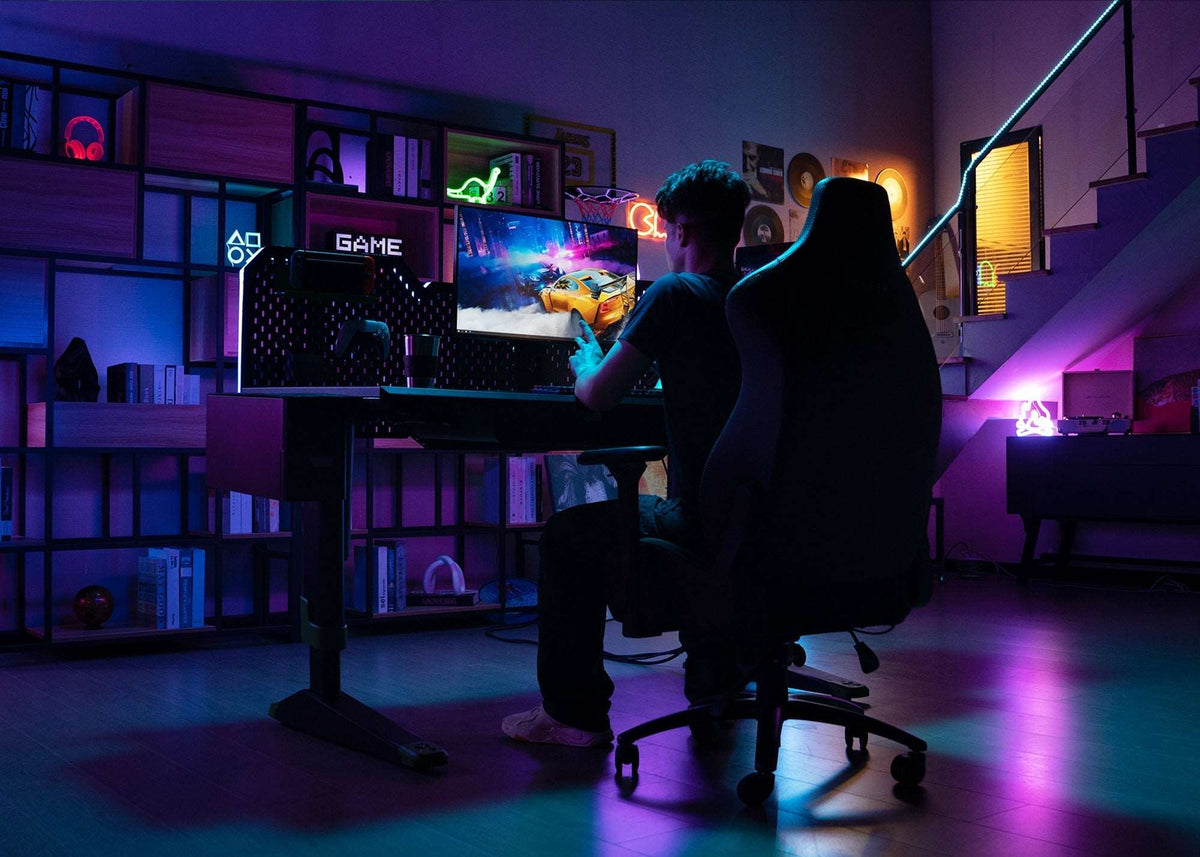
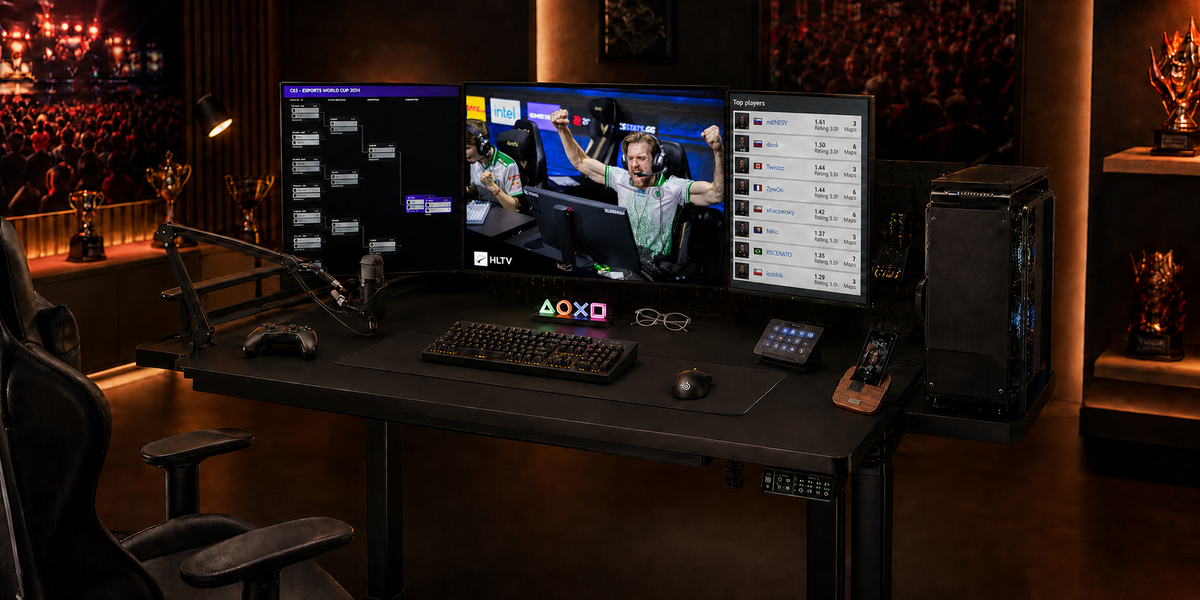
This is the one most buyers get backwards. The Main Metal Pegboard ($149) is not just storage. The RGB Ambient Light and the Monitor Arm + Slider Rail must be installed on a pegboard. No pegboard, no lighting, no arm.
- Main Metal Pegboard: $149. This unlocks the two highest-value modules below.
- If you plan any monitor arm or ambient light at all, the pegboard comes first, not last.

Tier 2: Add the Productivity Modules
With the pegboard in place, these change how you actually work. Buy them in this order if budget is tight:
- Monitor Arm + Slider Rail: $199 (1 arm + 1 rail), $329 (2 arms + 1 rail), or $379 (2 arms + 2 rails). Frees the surface and centers your screens.
- Multi Port Charging Station: $89. One brick for laptop, phone, and tablet.
- PC Tower Bracket: $109. Lifts the tower off the floor and shortens cable runs

Tier 3: The Nice-to-Haves
These are comfort and personality. Add them when the desk already works:
- Dual Smart Lift Speakers: $229, for clear calls without desktop footprint.
- RGB Ambient Light: $79, bias lighting for night work (needs the pegboard).
- Tool Box: $99, a desk-side caddy for cables and small tools.
- Cooling and Heating Coaster: $99, keeps a drink at temperature.

What to Buy First, By Setup
- Multi-monitor / gamer -> Pegboard ($149) + Monitor Arm + Slider Rail ($199-$379).
- Creator / editor -> Pegboard ($149) + Monitor Arm ($199) + RGB Ambient Light ($79).
- Work-from-home -> Multi Port Charging Station ($89) + PC Tower Bracket ($109).
- Light user -> Base desk only; add the pegboard later if you want an arm.
FAQ
- Can I buy the monitor arm without the pegboard? No. On the CyberOne Modular, the arm requires the pegboard for mounting.
- Is the pegboard only for storage? No, it is the mounting base for the monitor arm and the RGB light, which is why it comes first.
- Do I need the L-shape for two monitors? Not necessarily; two monitors fit on the Main Desk, but an L or Extended L gives more room for a second zone.
- Does the base include any modules? The base is the desk; modules are added in the configurator before checkout.
Build Your CyberOne Modular
Start with the base configuration that fits your space, add the Main Metal Pegboard first if you plan to use a compatible monitor arm or RGB light, then add compatible smart features as your setup grows. Check the current product page and applicable policy pages for price, availability, shipping and warranty details.
Build Your CyberOne Modular Standing Desk →
Keep reading:
Static vs. Dynamic Load Capacity: what those weight ratings actually mean for a loaded desk
Carbon Steel vs. Aluminum Standing Desk Frames: Is Steel Worth It?: that's why the frame material matters for stiffness