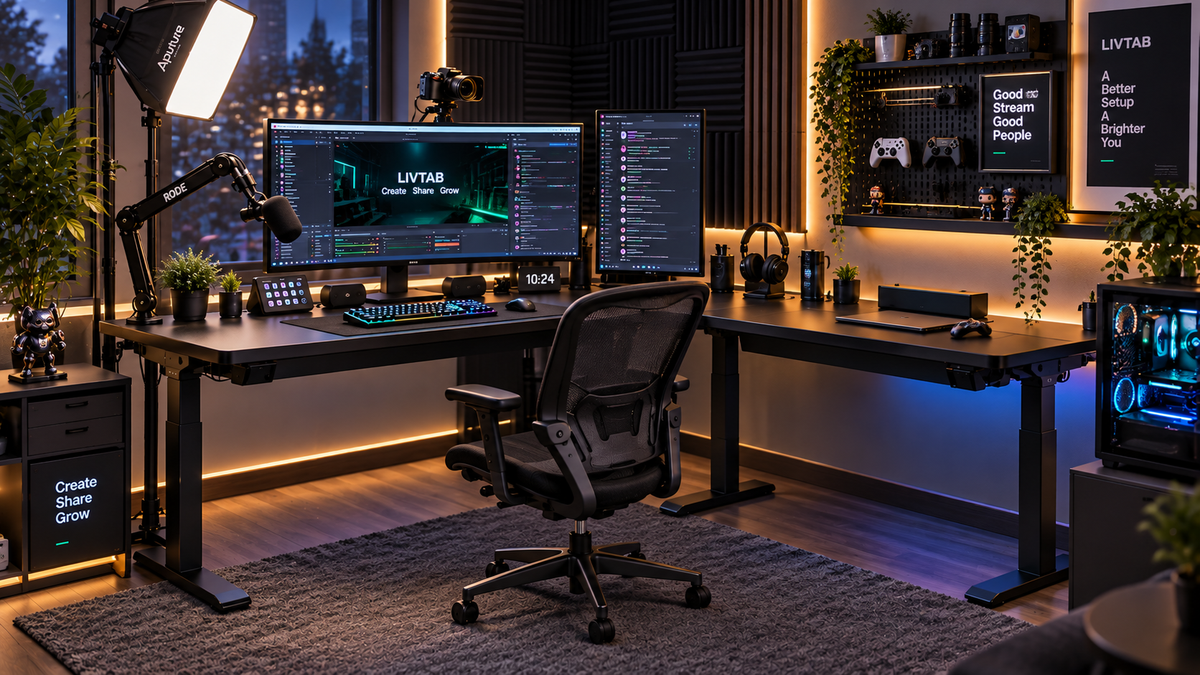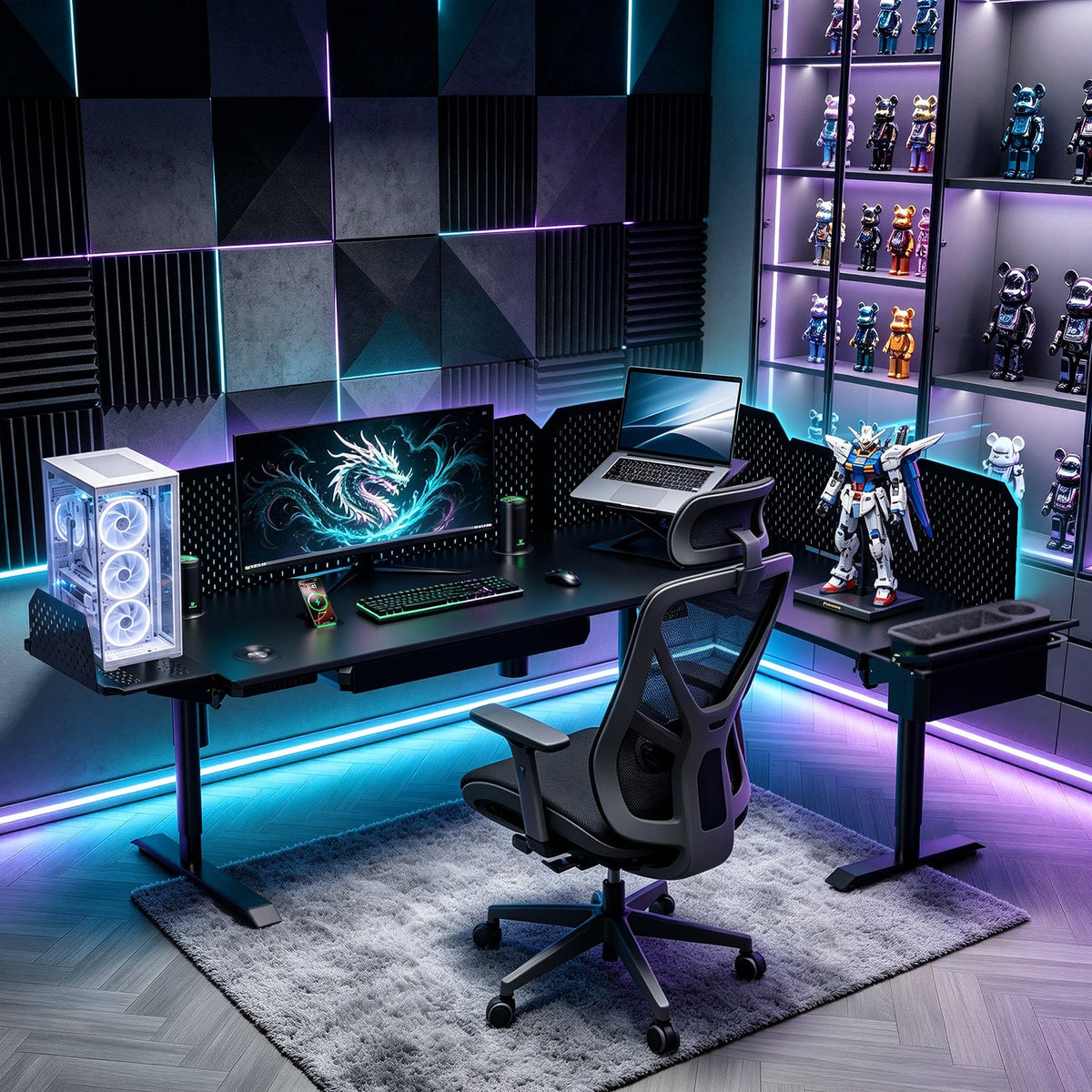
A useful three-monitor standing desk setup starts with measurements, not a screen-count promise. Measure the panels, draw the screen arc, check every mounting limit and map the cables before choosing a desk layout. A desk can lift the equipment and still be unsuitable for the intended arm or room.
1. Measure the room and the equipment you will actually use
Make a floor plan with the desk footprint, chair position, doors, drawers, walkways and nearby furniture. Mark the rear clearance needed for monitor arms and plugs. Use tape on the floor to test access with the chair pulled out. Check overhead shelves and the entire path of the screens from your seated to standing position.
Measure each monitor's outer case width and height; the advertised diagonal does not tell you the installed width. For mounted displays, record weight without the removable stand, then add any adapter or accessory the arm must carry. Use the monitor manufacturer's documentation rather than estimating weight from screen size.
| Item | Record before ordering |
|---|---|
| Each monitor | Case width, height, depth, mounted weight, VESA pattern and connector clearance |
| Each arm or rail | Minimum/maximum supported load, number of displays, reach, screen-size limits and mounting instructions |
| Mounting surface | Required pegboard/rail, or approved clamp/grommet position, thickness and material |
| Work zone | Keyboard and mouse space, screen distance, arm sweep and room behind the screens |
| Moving equipment | Monitors, arms, mounting accessories, computer, dock, speakers, storage contents and other added equipment |
Mock up the keyboard and screens with cardboard before buying. Measure both the widest point of the screen arrangement and its front-to-back envelope. Desk depth, arm reach and viewing distance are separate measurements; a 31.5-inch-deep desktop does not guarantee that your eyes will be the right distance from the screen.
2. Build a shallow arc around the main task
- Put the screen used most often in front of your normal working position, with the keyboard aligned to it.
- Bring the side screens inward and rotate them toward you. A trial angle of 20–30 degrees is a mock-up starting point, not a universal ergonomic target or a CreatorOne specification.
- Try to keep the screen faces at similar viewing distances. Open the apps you use and check whether you can read them without leaning forward or repeatedly twisting toward an edge.
- Check the same arrangement while sitting and standing. Reposition the arms if the keyboard position, viewing angle or clearances change.
OSHA's monitor guidance generally suggests a viewing distance of 20–40 inches (50–100 cm), with the top of the screen at or slightly below eye level. Treat this as a setup reference and adjust text size and placement for comfortable reading.
Width example — assumed measurements, not product specifications: if each outer case is 24 inches wide, a flat row is about 72 inches before gaps. With a 24-inch center screen and two side screens each rotated 25 degrees, their simple horizontal projection is approximately 24 + 2 × 24 × cos(25°) = 67.5 inches, before gaps, bezel overlap, panel depth and arm hardware. That is wider than a 63-inch desktop. This calculation estimates projection only: it does not prove arm reach, mounting fit or that overhang is acceptable. Measure the real mock-up, including wall and door clearance.
3. Check the desk, arms and mounting system separately
First check each monitor against its own arm's supported weight range, VESA pattern and size limits. A combined rating for a multi-screen assembly must also cover the intended combination. Three single arms do not automatically make a rail or pegboard suitable for three screens. Confirm the permitted arm count, rail loading, mounting positions and installation with the hardware manufacturer.
Next add everything that moves with the desk: displays, arms, pegboards, adapters, computer, dock, speakers, storage contents and other equipment. Compare that load with the dynamic lifting rating for the selected desk layout, using the manufacturer's definition of payload and checking whether supplied components count toward it. Static capacity is not the lifting limit. Follow the manufacturer's loading and distribution instructions; a large capacity number does not certify stability at every arm extension.
Load example — assumed equipment weights: three mounted monitors at 12 lb each total 36 lb. Add 18 lb of arms and rail hardware, a 25 lb computer, and 16 lb of keyboard, dock and other equipment: 36 + 18 + 25 + 16 = 95 lb. Add the actual pegboard, adapters, attached storage and its contents before comparing with the desk's limit. A hypothetical arm rated for 5–15 lb per display would pass the 12 lb weight check for each monitor, but the VESA, size, mounting and assembly checks still have to pass. A triple arm rated for 30 lb total would fail this 36 lb monitor load.
Do not treat an arm as carrying the desktop. It supports the display load specified by its manufacturer; the desk supports the installed equipment. For a third-party clamp or grommet mount, verify the desktop material, thickness, reinforcement needs and available mounting position. Do not assume that a rail-based accessory can be clamped to the desktop.
4. Apply the checks to a documented CreatorOne layout

The official CreatorOne specifications list the following layout-dependent dimensions and capacities, checked on October 14, 2026. L-shaped and larger dimensions describe the layout envelope, not one solid rectangular work surface.
| CreatorOne layout | Listed dimensions | Dynamic load | Static load |
|---|---|---|---|
| Main Desk | 63.0 × 31.5 in | 315 lb | 630 lb |
| L-Shaped | 86.6 × 63.0 in | 380 lb | 760 lb |
| Extended L-Shaped | 86.6 × 126.0 in | 500 lb | 1,000 lb |
| U-Shaped | 110.2 × 63.0 in | 500 lb | 1,000 lb |
For an L-shaped planning example, tape out the 86.6 × 63.0-inch footprint, then use the configuration drawing to mark the actual work surfaces and open area. Place the main monitor zone on the surface that gives you the required viewing distance and arm clearance. Use the return for a separate task or equipment zone only after checking reach, seating access and load distribution. Compare the complete moving equipment load with the listed 380 lb dynamic rating, not the 760 lb static figure.
The CreatorOne configurator states that the Monitor Arm + Slider Rail must be installed on a pegboard. Its accessory section lists Rail + Arm at 20 lb, with VESA 75 × 75 and 100 × 100 mm. Do not multiply that figure by three or assume it approves a triple-monitor installation: verify which assembly the rating applies to, the allowed number of arms and the combined rail/pegboard load for your exact order. This is a planning example, not a tested or pre-approved three-monitor bundle.
5. Measure cable slack through the whole movement
- Separate connections between devices moving together on the desk from connections to the floor, wall or a stationary computer.
- Route each cable with a loose cord first. Measure the actual path at the lowest and highest intended desk settings and at the farthest permitted arm position. Include the route into the tray, bends and connector access.
- Choose cable length for the longest measured route plus the service loop and bend clearance required by the cable and equipment instructions. Do not use a fixed extra-inch rule for every setup.
- Secure the route with suitable strain relief and reusable ties. Keep service loops clear of moving joints, feet, drawers and pinch points. Label both ends.
- Following the desk instructions, test the full intended height range and arm positions while watching every transition to a stationary device. Stop if a cable tightens, catches or pulls a connector.
Cable example — assumed routing: a route measuring 62 inches at its longest position plus an 8-inch service loop needs at least 70 inches of usable cable, before any additional connector/bend requirement. A 6-foot cable is 72 inches, leaving only 2 inches beyond that example requirement; reroute or choose a longer compatible cable if the real route needs more. CreatorOne's listed height range is 30.3–47.2 inches, a 16.9-inch vertical difference, but cable-path change is not necessarily 16.9 inches. Measure the route rather than adding desk travel to an arbitrary cable length.
CreatorOne's official page describes under-desk power strips and cable trays. Verify the components supplied for your configuration and their electrical limits. A dock or hub must separately support your computer, all three displays, the required resolutions and refresh rates; it does not automatically replace every display or power cable.
6. Save positions and recheck the finished workspace
CreatorOne's current specifications list four height presets. After installation and clearance checks, save your preferred seated and standing heights, then check the monitor arc, readable text, keyboard position and cable slack at both. Desk movement alone does not ensure the screen height suits every user.
- Room footprint, seating access and overhead clearance checked.
- Actual screen arc and arm sweep measured, including any overhang.
- Every display/arm check and the complete mounting assembly approved for the selected hardware.
- Full moving load checked against the selected layout's dynamic limit.
- Longest cable routes measured and movement checked without tension or snagging.
Start with the CreatorOne layout and accessory configurator to compare the documented options. If integrated smart accessories are a separate priority, compare CyberOne Modular using its own specifications. Confirm your exact mounting plan before ordering.
Keep reading: