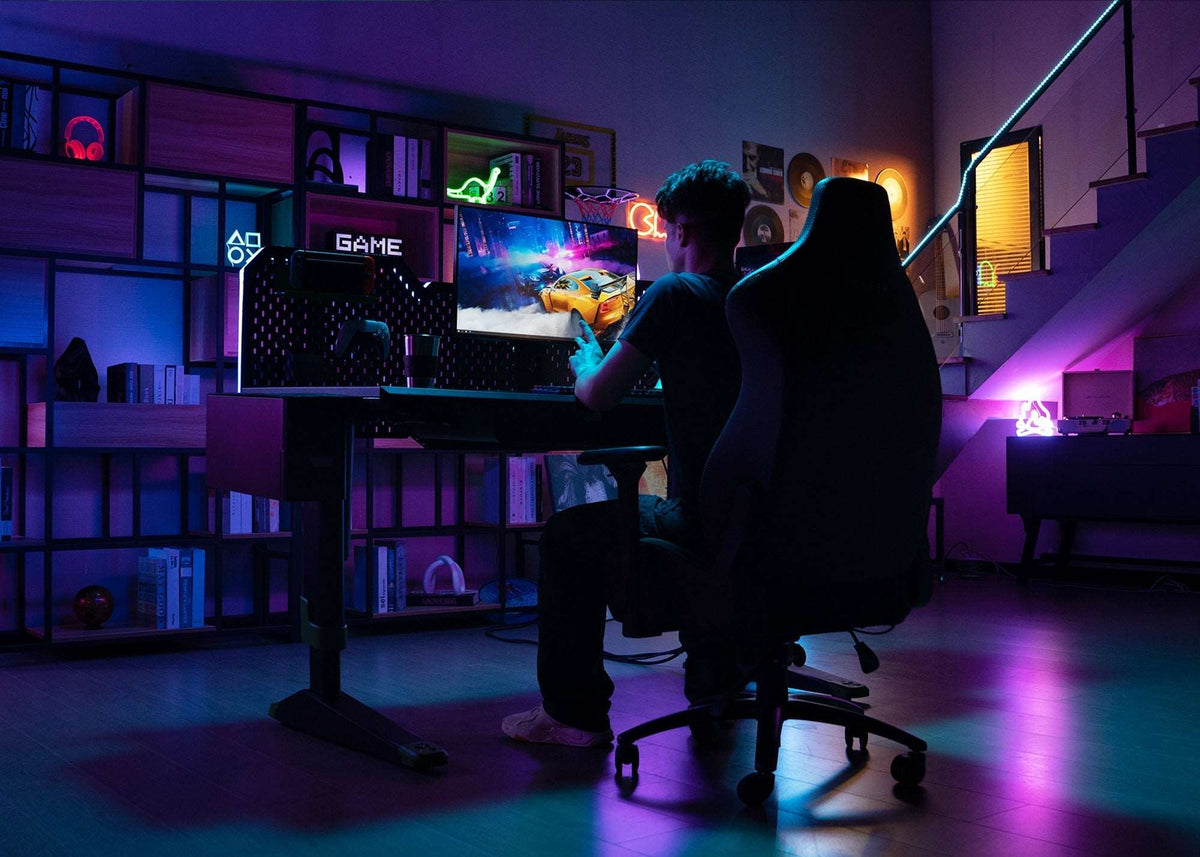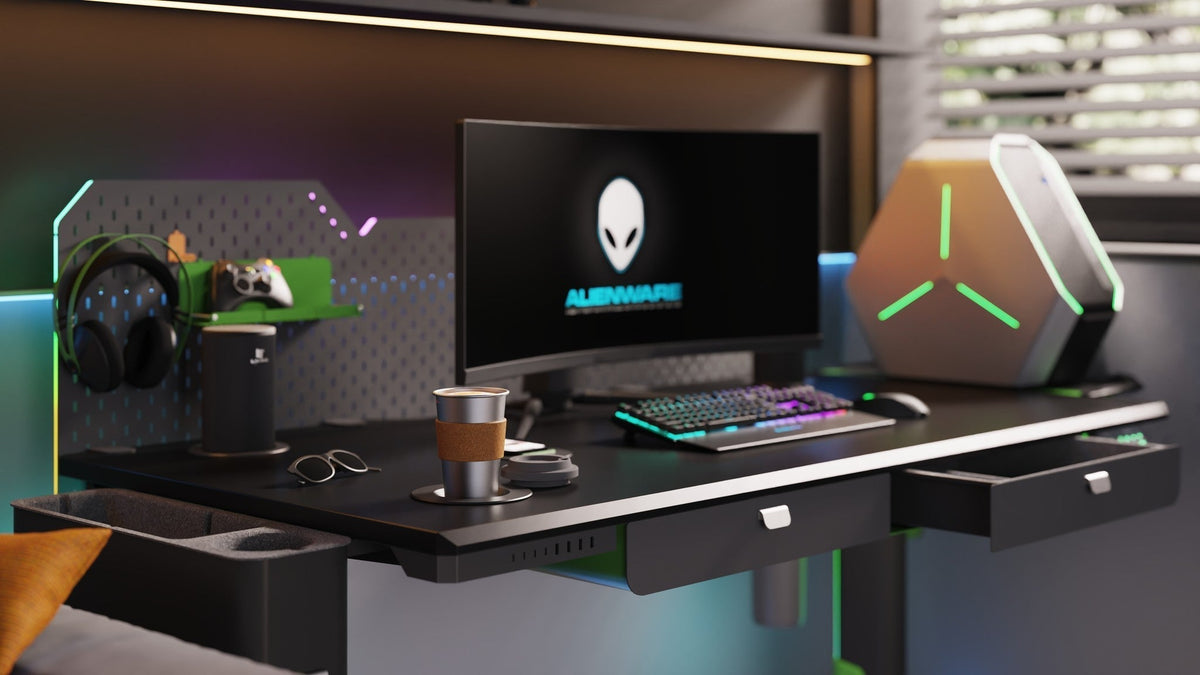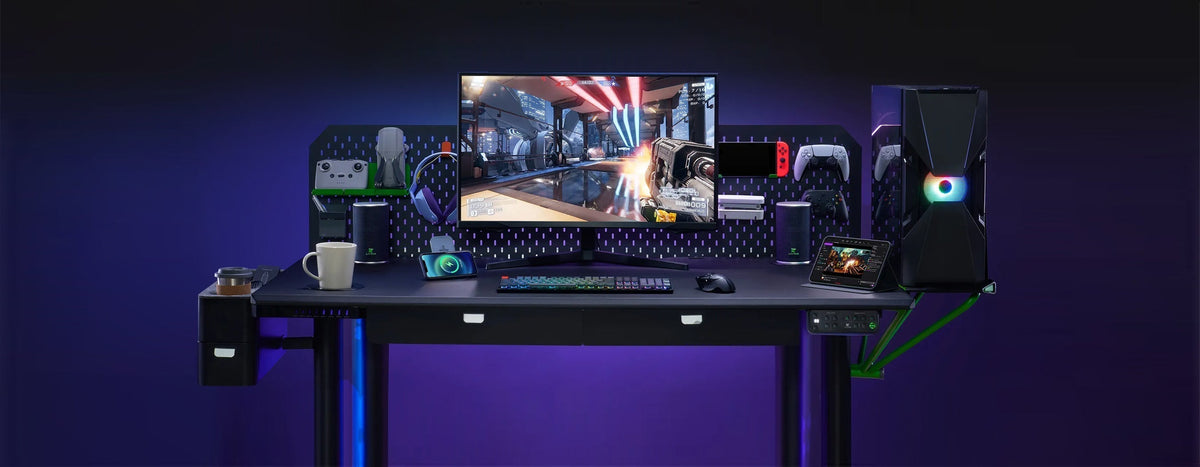
RGB lighting is the accessory that looks like a gimmick in the product photo and becomes hard to live without once it is on the desk. But a strip on a standing desk has two problems a strip on a static desk does not: where to mount it, and how to keep the cable alive through thousands of raises. This guide covers the CyberOne RGB Ambient Light ($79) from mounting to daily use.
First, the One Requirement
The CyberOne RGB Ambient Light is $79 and adds seven-color ambient lighting. Before anything else, note how it mounts: it requires installation on the pegboard system. If you do not have the Main Metal Pegboard ($149) yet, that comes first. The light is not a clamp-on strip.
- RGB Ambient Light: $79, seven-color ambient lighting.
- Main Metal Pegboard: $149, required mounting surface.

Step 1: Choose the Position on Purpose
Do not just run the strip anywhere on the desk edge. Mount it on the pegboard so it lights the wall behind your screens rather than your eyes.
- Best: along the underside of the pegboard top edge, aiming at the wall. This is bias lighting that softens the contrast between screen and room.
- Good: down the sides of the pegboard for an even glow on both wings.
- Avoid: any position that throws light forward into your face or reflects off a glossy monitor.
Step 2: Mount It Tight to the Board
The pegboard gives you a rigid backplane, which is exactly what a strip needs on a moving desk.
- Run the strip flat against the pegboard, not free-hanging on a cable arch.
- Secure both ends so vibration during the raise does not peel the adhesive.
- Keep the strip off the desk surface. It should never sit under your wrists or keyboard.
Step 3: Route the Cable With Slack
This is the step most people get wrong, and it is the same problem as any standing-desk cabling: the desk moves 30.3-47.2" at 35 mm/s, so a tight cable becomes a yank point.
- Leave a service loop between the strip and the controller so the cable bends, not pulls.
- Run the strip cable down the back of the pegboard and along the frame with the other runs.
- Test at full standing height. Nothing should go taut.

Step 4: Simplify Power to One Run
A lighting strip adds one more device that needs power. Keep it to a single path:
- Feed the strip from the same controller or hub as your other desk electronics.
- If you run a Multi-Port Charging Station ($89), use it as the single power point so only one cable crosses from the desk to the wall.
Step 5: Use It Well, Day to Day
Seven colors are a feature only if you set them with intent. A few defaults that work:
- Focus hours: warm white or a single low-saturation color, dimmed, purely as bias light behind the screens.
- Evening / entertainment: a deeper color keeps the room relaxed without lighting your face for video calls.
- Change per desk preset: tie a lighting mood to your seated and standing height presets so the whole setup shifts together.
- Keep it ambient, not decorative clutter. One strip used well beats three used randomly.
FAQ
- Does the RGB light work without a pegboard? No. On the CyberOne Modular, it requires the pegboard system for mounting.
- Will the cable pull when the desk rises? Only if the slack is too tight; leave a loop and the movement is harmless.
- Is RGB lighting useful or just decorative? Used as bias lighting behind the screens it reduces eye strain; used as decoration it is optional.
- How many colors? Seven, with the effect intensity controlled per your preference.
Light Up Your CyberOne Modular
Start with the pegboard ($149), add the RGB Ambient Light ($79), and route it once with proper slack. The desk keeps moving; the light stays put.
Build Your CyberOne Modular Standing Desk →
Keep reading:
Built-In vs. Add-On Smart Desk Accessories: Which Is Better?Explore CyberOne Modular