A streamer's desk is part studio, part control room. You need space for the broadcast display and the management screen, power for lights and a mic, and a cable plan that does not show on camera. Here is how to pick one and where livtab's configurator fits.
1. What Streaming Needs
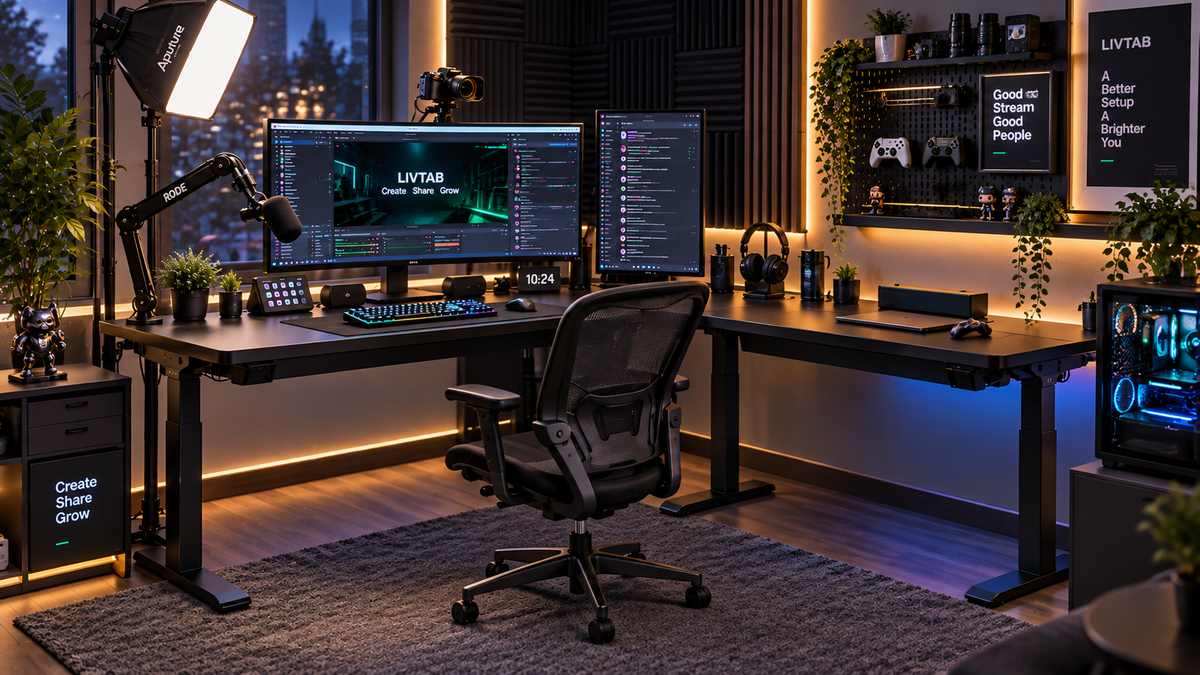
- Two work zones: broadcast side (camera, main monitor, mic) and control side (second screen, audio, chat).
- Power for lights, a capture card, a mic, and a phone, concentrated, not sprawled.
- Cable routing that stays off-camera and off the floor.
2. The Specs That Matter
An L-shaped layout has an 86.6 × 63.0-inch overall footprint; measure each working zone and the equipment before choosing. The listed L-shape dynamic load ratings are 380 lb for CreatorOne and 365 lb for CyberOne Modular. Their listed height ranges are 30.3–47.2 inches and 30.3–44.9 inches respectively. Check your own seated and standing positions and compare the complete supported load with the correct layout’s dynamic rating.
3. Which Livtab Model Fits
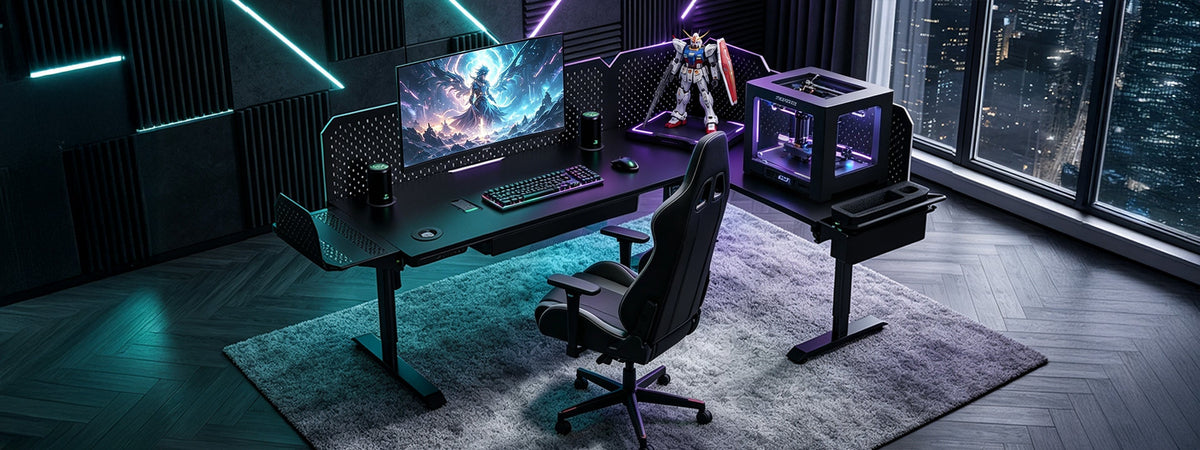
- CyberOne Modular, L-shape: broadcast zone + control zone, plus a $229 pop-up speaker, $89 charging station, and clean routing behind the pegboard. From $1,099.
- CreatorOne, L-shape: the two-zone top and stable frame at a lower price, add the pegboard for order. From $799.
- CyberOne Pro: one 63×31.5″ all-in-one top if a single zone is enough. Check the current product page for pricing.
4. Modules That Earn Their Keep
The $149 pegboard backs the control zone: clip the $89 charging station for phone and mic receiver, run light and USB cables up the board, and keep the $229 speaker tucked behind the main monitor. CreatorOne gets the same pegboard as a physical organizer, no app.

5. Don't Buy the Wrong One
- One straight top: forces broadcast and control into one row. No room to breathe on camera.
- No cable plan: loose wires read as messy on stream; route before the top goes on.
- Under-rated power: count lights and a mic amp before picking the frame.
6. Quick Picks
- Best streaming build: CyberOne Modular L-shape + charging station + speaker.
- Best value: CreatorOne L-shape + pegboard for cable order.
- Best single-zone: CyberOne Pro all-in-one.
FAQ
What is the best standing desk for streaming?
An L-shape that splits broadcast and control into two zones: livtab's L-shape top is 86.6×63″. CyberOne Modular adds a charging station and speaker for the gear; CreatorOne gives the same two-zone top cheaper.
How do streamers hide cables on a standing desk?
Route power and USB up the back, clip them to the pegboard, and let the slack sit behind the panel before the top is mounted. CyberOne Modular's pegboard is the cable spine.
Do I need a sit-stand desk to stream?
No. A height-adjustable desk gives you the option to change position. CreatorOne is listed at 30.3–47.2 inches and CyberOne Modular at 30.3–44.9 inches. Check that your working positions fit the selected range and choose positions that are comfortable for your tasks.
Configure your stream desk from the accessories collection→
Keep reading: