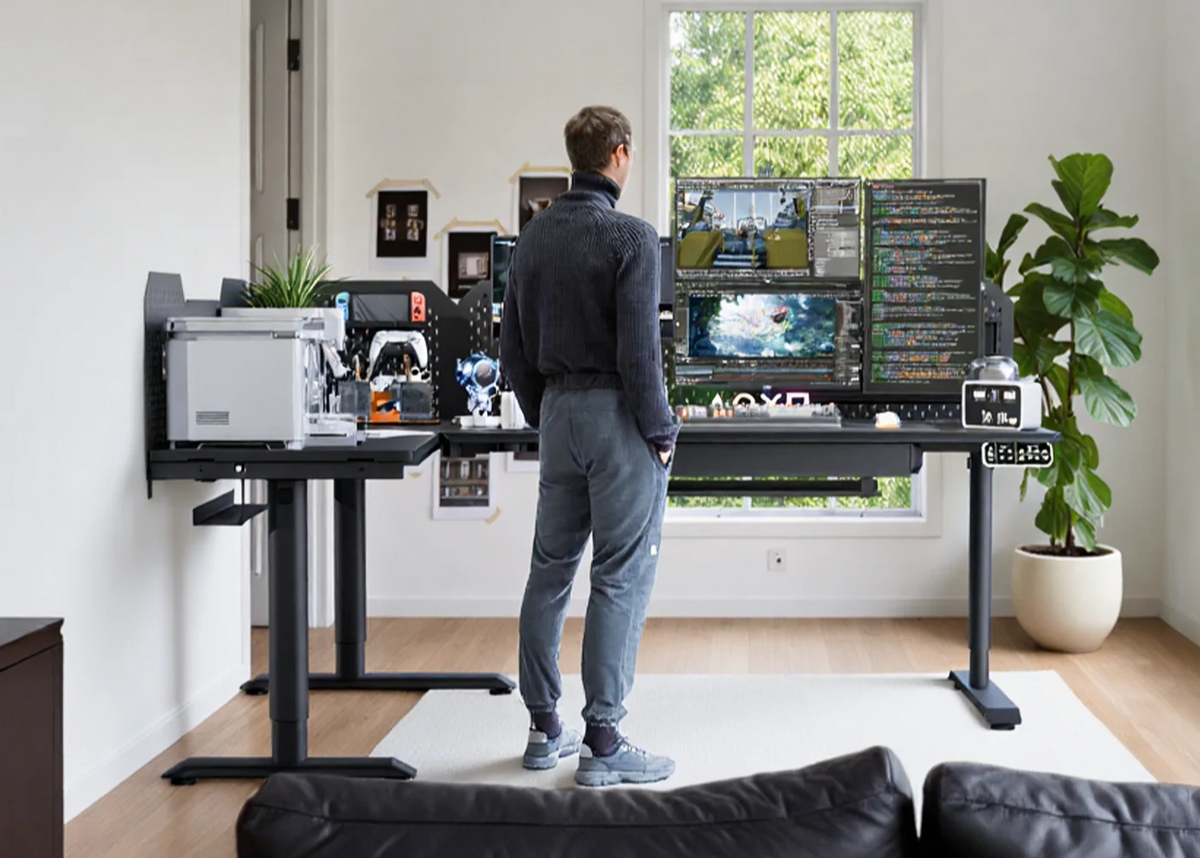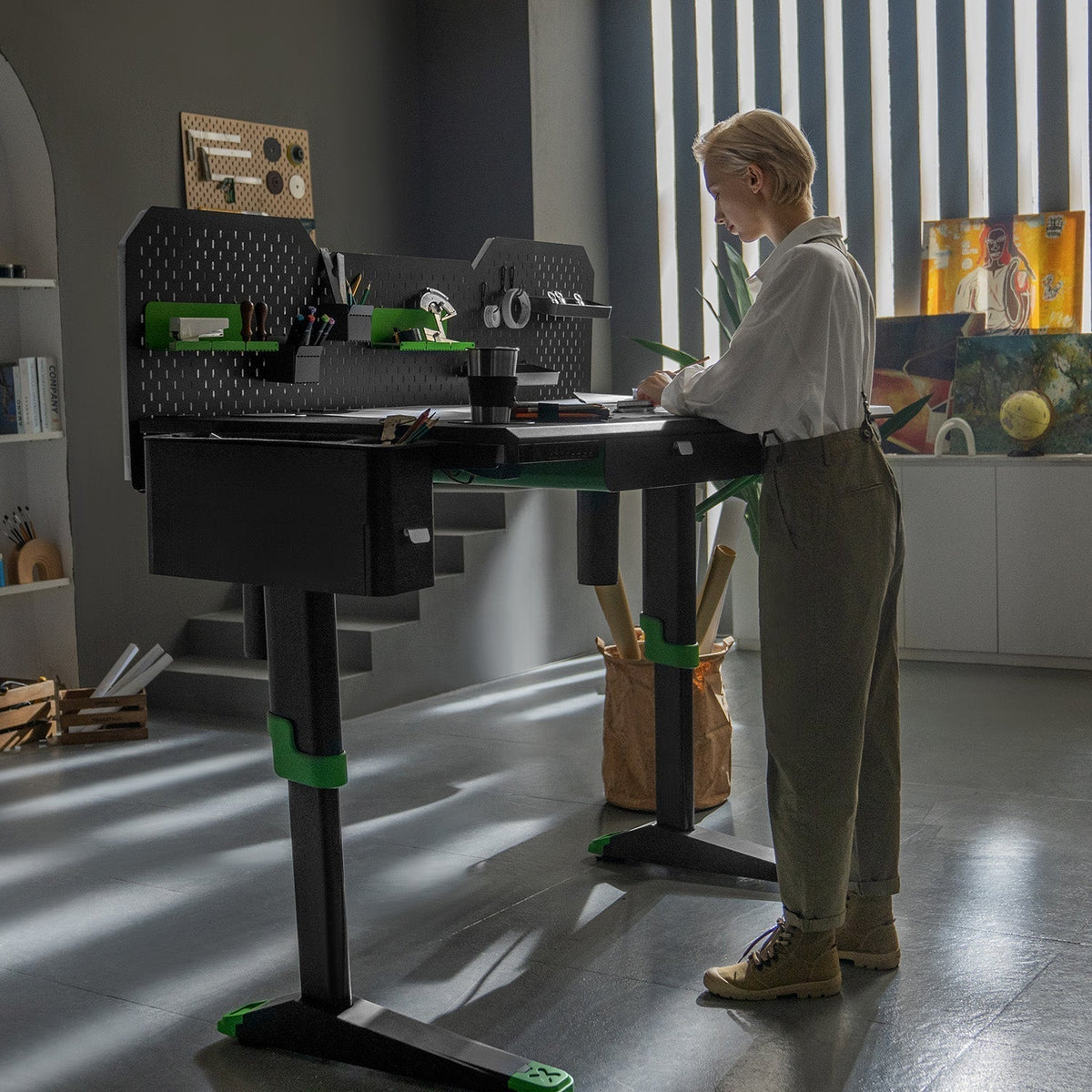
Programmers often spend long, focused hours moving between an editor, documentation, terminals, meetings, and multiple displays. A standing desk should make that setup easier to manage: enough room for your screens, a stable lifting system, practical cable routing, and height adjustment that fits the way you work.
What to Look For in a Coding Desk
Before choosing a desk, start with the setup you use every day:
- Screen space: A laptop plus one or two monitors needs more than a narrow desktop.
- Stable lifting: Your monitors, computer, peripherals, and accessories should be considered together when choosing a layout.
- Cable management: A cleaner cable path makes it easier to move between sitting and standing without pulling on chargers or display cables.
- Height memory: Saved positions make it simpler to return to your preferred sitting and standing heights.

CyberOne Modular: Four Layouts for Different Setups
CyberOne Modular is available in four desk layouts. The lifting system changes with the layout so that each configuration can raise its full work surface evenly.
| Layout | Desktop Size | Motor System | Dynamic Load Capacity |
|---|---|---|---|
| Main Desk | 63.0 × 31.5 in | 2 motors | 300 lb |
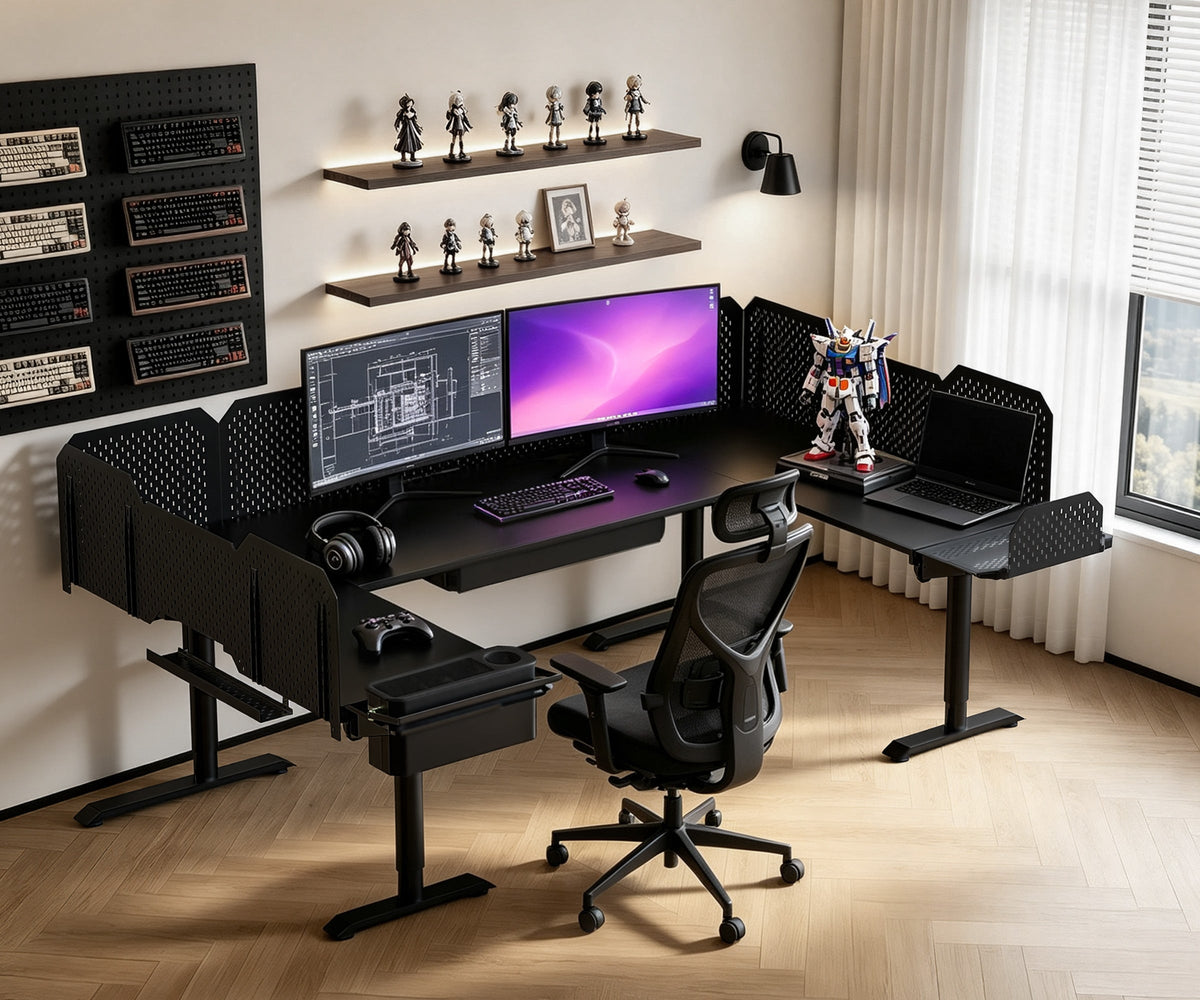
| L-Shaped Desk | 86.6 × 63.0 in | 3 synchronized motors | 365 lb |
| Extended L-Shaped Desk | 86.6 × 126.0 in | 4 synchronized motors | 475 lb |
| U-Shaped Desk | 110.2 × 63.0 in | 4 synchronized motors | 475 lb |
Across the CyberOne Modular range, the published noise specification is ≤50 dB. Actual sound can vary with the layout, the equipment on the desk, and the room around it, but the system is designed for controlled, everyday height adjustment.
The height range is 30.3–44.9 inches. CyberOne provides two controller memory positions, while the LIVTAB app can save up to ten additional height presets.
Which Layout Works Best for Programming?
The right choice depends on the number of screens and how you divide your work.
Main Desk
A focused workstation for a laptop, monitor, keyboard, and everyday peripherals. It is a practical choice when you want a clean setup without taking over the room.
L-Shaped Desk
Useful when you want one zone for your primary monitor and keyboard, plus a second surface for a laptop, documentation, notebooks, or testing hardware.
Extended L-Shaped Desk
Designed for larger multi-monitor or creator-style workspaces where you need more continuous surface area from end to end.
U-Shaped Desk
Best suited to wraparound setups where monitors, devices, reference materials, and accessories need dedicated zones around the user.
Build a Cleaner Developer Setup
CyberOne’s modular options can help keep a coding workspace organized without filling the desktop with separate accessories.
- Add a pegboard if you plan to use the compatible RGB Ambient Light or Monitor Arm + Slider Rail.
- Use the Monitor Arm + Slider Rail to move compatible displays off the desktop and free up space below.
- Add the Multi Port Charging Station when you need centralized charging; it provides four USB-C and four USB-A ports, with up to 100W of power.
- Use the built-in cable-routing system to keep display, charging, and accessory cables closer to the desk as it moves.
The LIVTAB app supports height adjustment and saved positions. With compatible modules installed, it can also control RGB lighting and manage heating/cooling coaster temperature and timer functions.
A Practical Starting Point
For many programmers, the L-shaped CyberOne Modular layout offers a useful balance of surface area and flexibility. It gives you room to separate your main coding setup from supporting devices and reference materials, while keeping the entire workstation on one coordinated lifting system.
Before ordering, measure the room, map out monitor and computer placement, and choose the layout based on the equipment you actually use. Then select only the compatible modules that improve your daily workflow.
Explore the CyberOne Modular
Browse the accessories collection
Keep reading:
Static vs. Dynamic Load Capacity: What Makes a Modular Sit Stand Desk Stable?